LAUNCH X-431 PRO (DBSCar V) User Manual
28
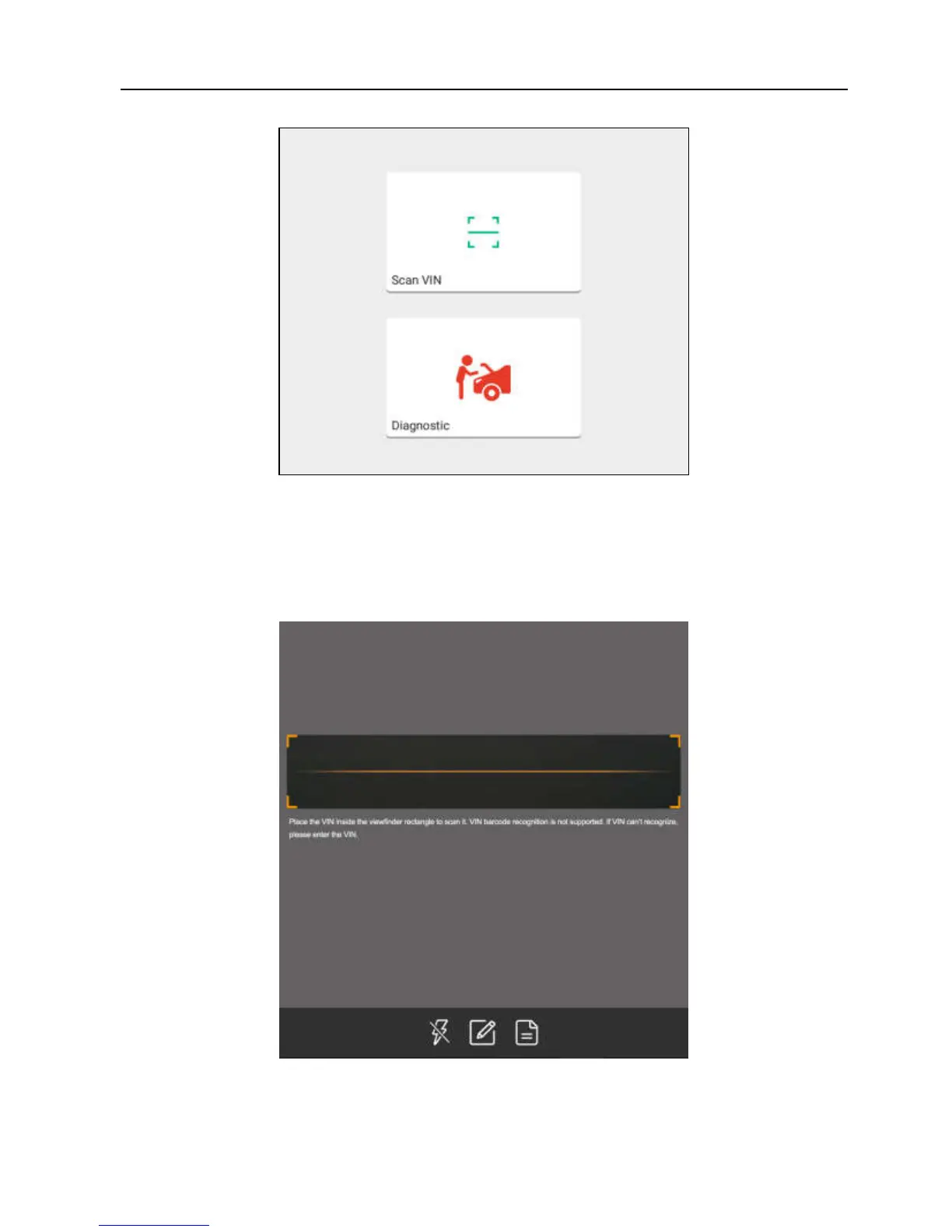
Fig. 5-7
• Tap “Diagnostic” to launch the Local Diagnosis module and start a new
diagnostic session. Refer to Chapter 5.2 for detailed diagnostic operations.
• Tap “Scan VIN”, a screen similar to the following appears:
Fig. 5-8
Place the VIN inside the viewfinder rectangle to scan it. The most
recognizable location for this number is in the top left corner on the















 To Next Page