LAUNCH X-431 PRO (DBSCar V) User Manual
56
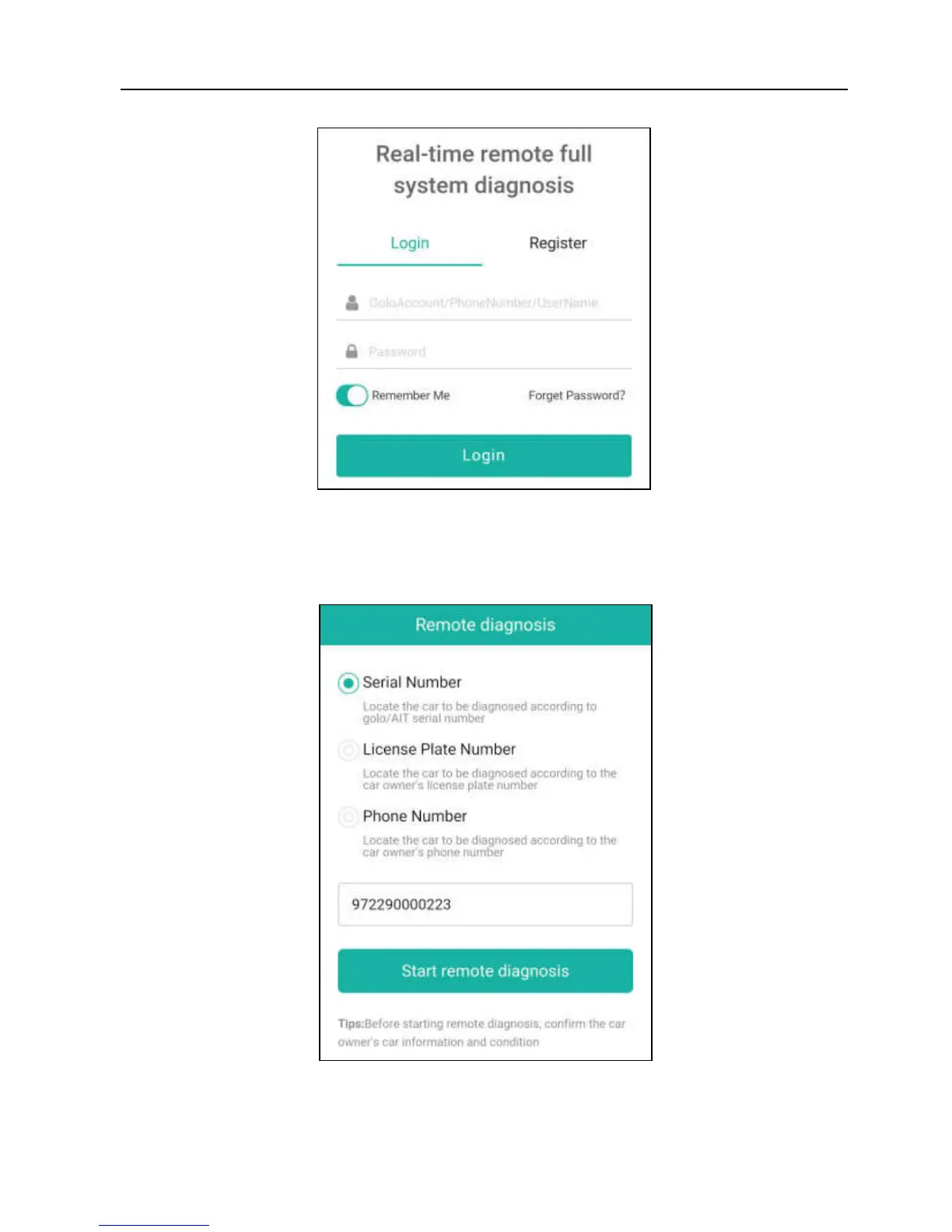
Fig. 5-37
3. Tell the partner to input his own official technician account and password, and
then tap “Login” to navigate to the following figure.
Fig. 5-38
4. Tell the partner to check the box “Series number” and enter the Serial
Number provided by you, and then tap “Start remote diagnosis” to control















 To Next Page