LAUNCH X-431 PRO (DBSCar V) User Manual
61
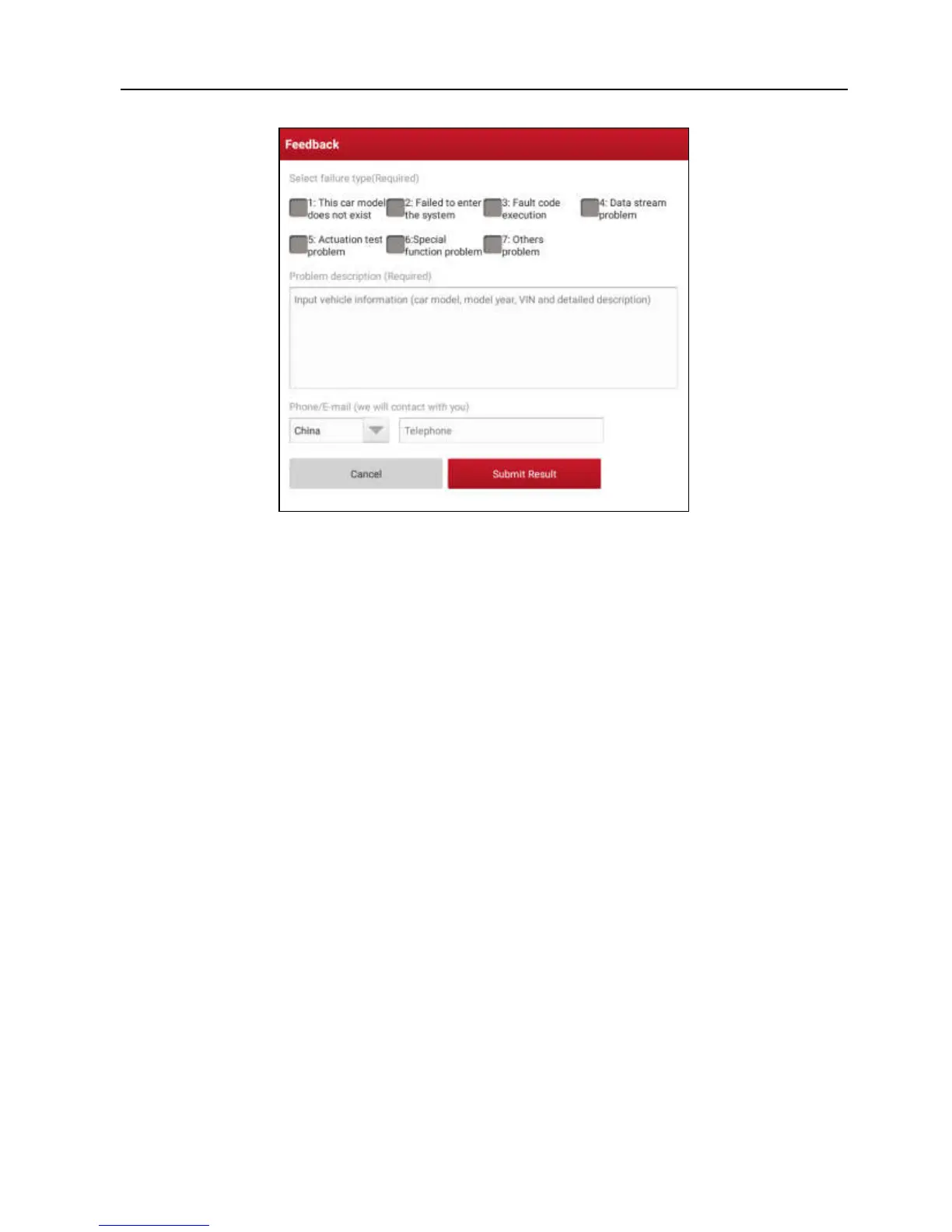
Fig. 5-43
Choose the failure type and fill in the detailed failure description in the blank text
box and telephone or email address. After inputting, tap “Submit Result” to send
it to us.
B). Tap “History”, the diagnostic logs marked with different color indicate the
process status of the diagnostic feedback. Green/Red/Blue means the
diagnostic feedback is fixed/pending/in process respectively.















 To Next Page