LAUNCH X-431 PRO (DBSCar V) User Manual
70
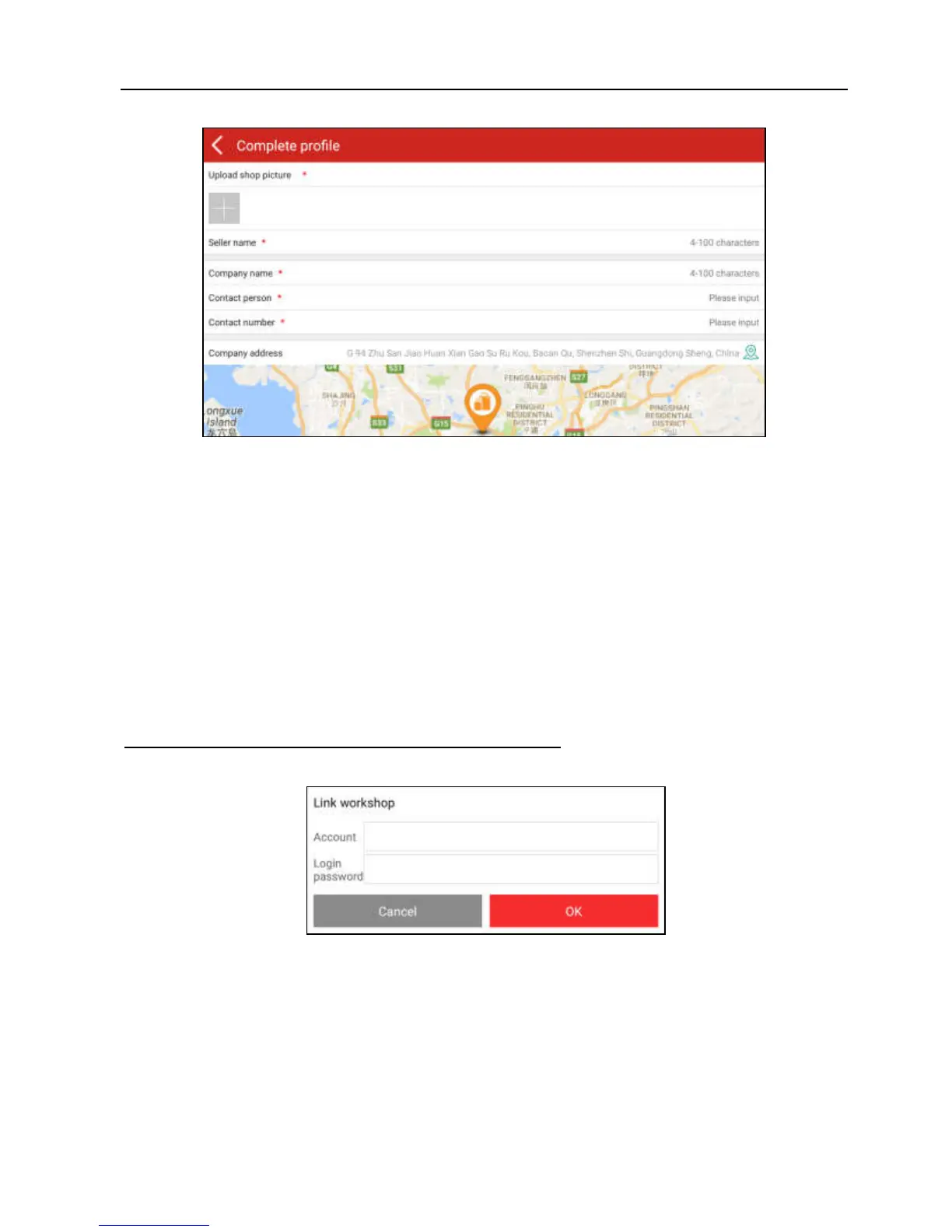
Fig. 8-2
Fill in the required items:
To upload the shop picture, tap the + logo to choose the desired photo.
To locate company address, tap the GPS location icon to obtain it
automatically.
To define the item “Model specialized”, tap the > icon to select the vehicle
models.
After entering, tap “Submit” to confirm. “Sign up successfully” will pop up and the
system will jump to golo main menu screen.
B. If you have a golo business manager account, tap “Link now” to bind this tool
to it.
Fig. 8-3
For more detailed operations on this module, please refer to the user manual
included within this application.















 To Next Page