DM442 Digital Stepping Drive Manual V1.0
Tel: +000 0000-00000000 18
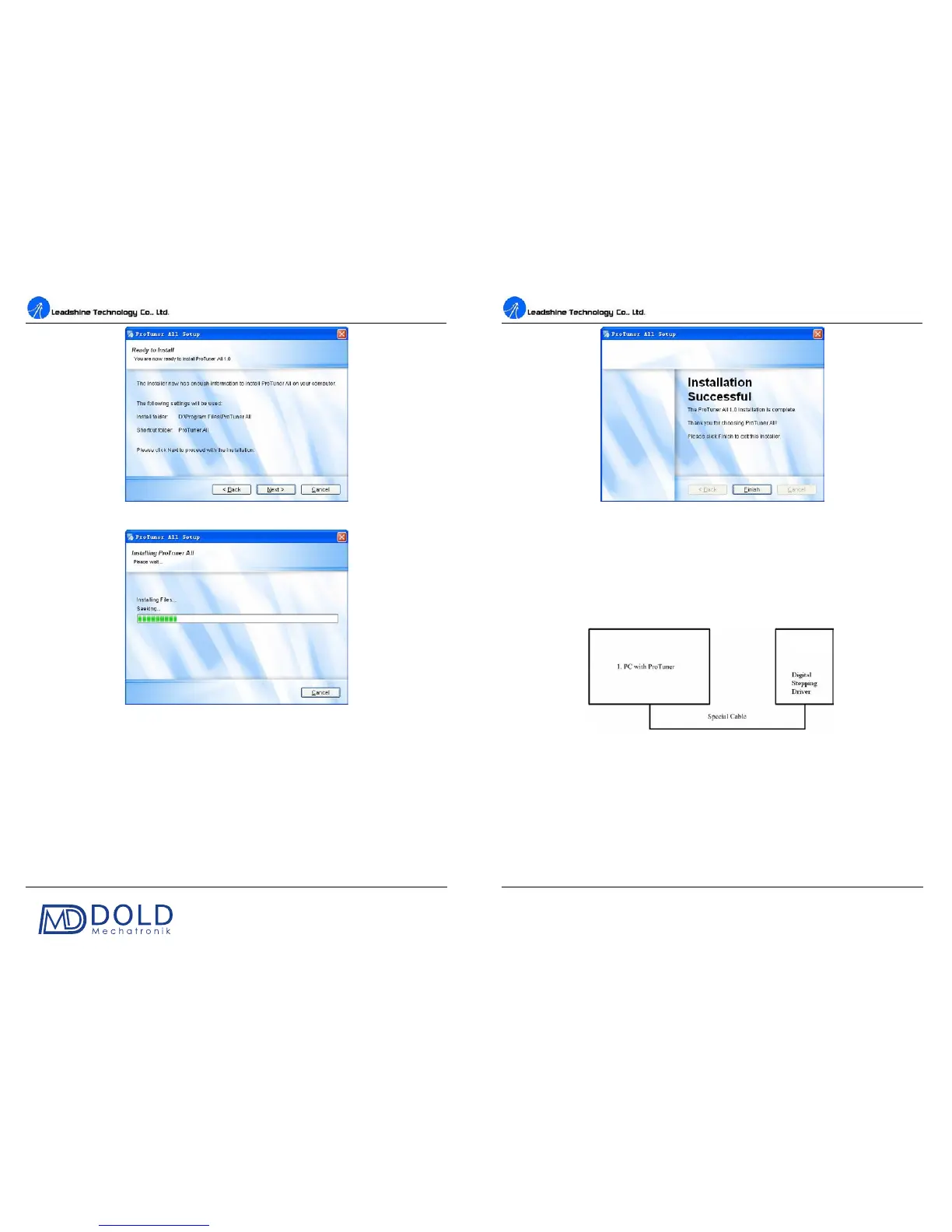
Figure 16: Installation information summarization
Figure 17: Installing the ProTuner
DM442 Digital Stepping Drive Manual V1.0
Tel: +000 0000-00000000 19
Figure 18: Finish installation
Connections and Testing
Connect the stepping system according to the contents in previous sections and connect the PC to the
drive as the following figure.
RS232 Interface Connection
Figure 19: RS232 interface connection
Testing the Stepping System
Turn on the power supply, the green (Power) LED will light. The DM442 has default parameters
stored in the drive. If the system has no hardware and wirings problem, the motor should be locked
and the drive should be ready.
If the red LED immediately turns on (flickers), then check power supply, the motor, motor wirings
DM442


 To Next Page