Using the Leaf Aptus with a Compact Flash Card and Battery 9
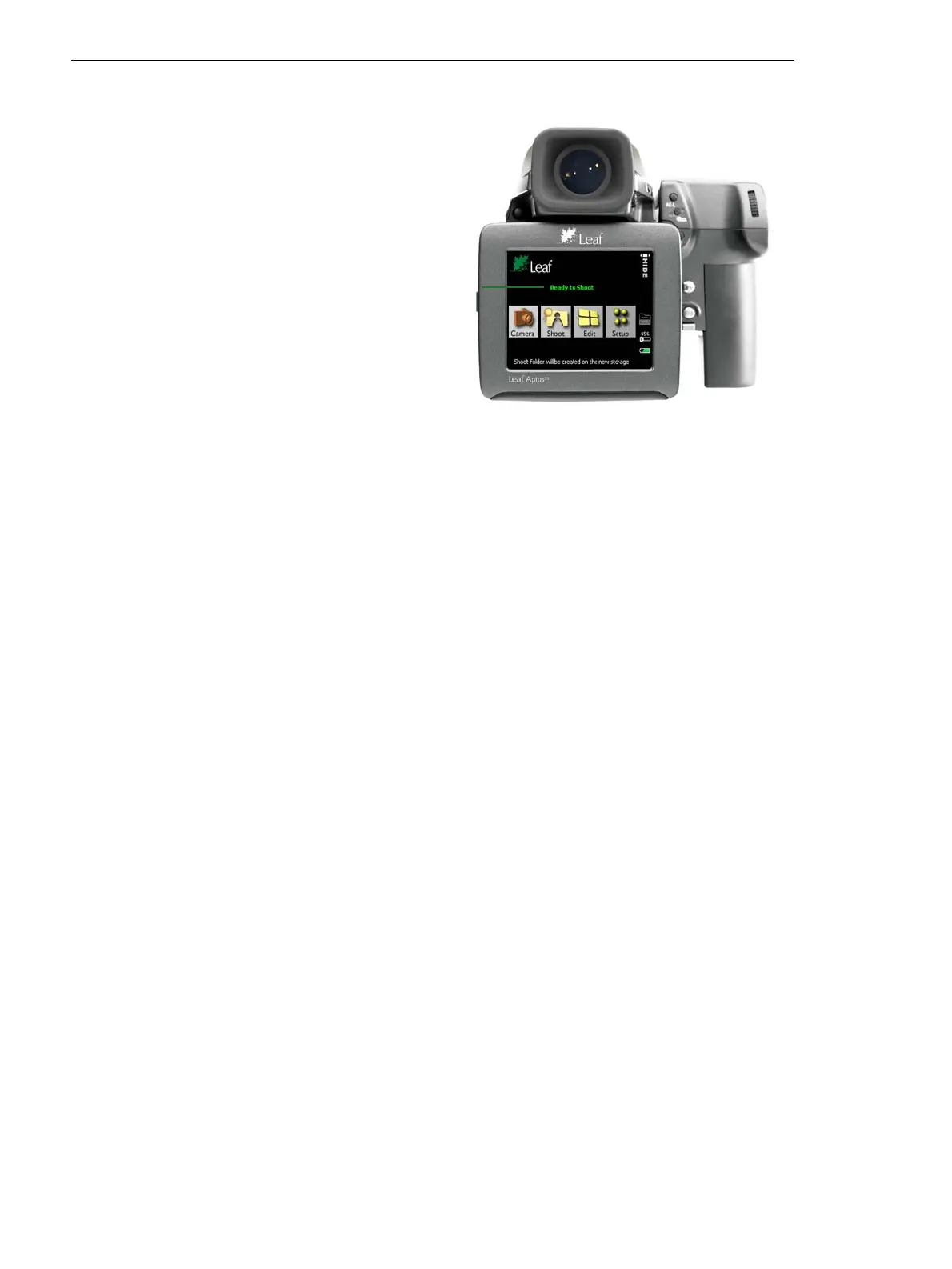
The Ready to Shoot message appears on the opening screen as follows:
To turn the camera off, press and hold the on/off button until the light
turns orange. If you changed a setting in the Setup menu, the camera
saves the new setting and then shuts down.
Ready to Shoot message



 To Next Page