Set the Gray Balance 33
Set the Gray Balance
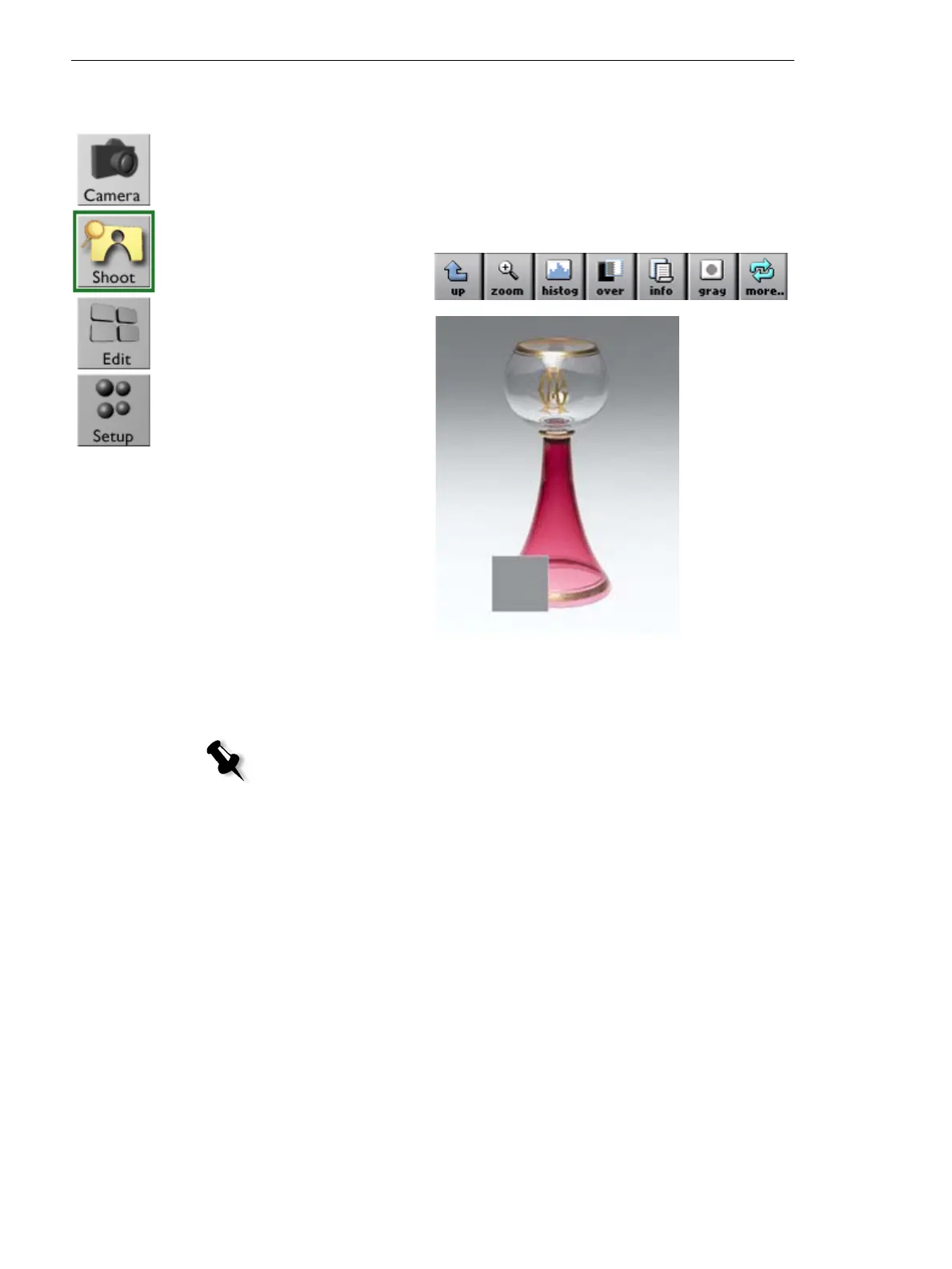
To set the gray balance for all future shots:
1. Photograph your subject with a gray card, or ensure that there is a
neutral gray area in the scene.
2. Ta p gray.
3. Tap the gray card
or on a gray area
in the image.
4. Ta p OK to use the new gray balance setting, or tap
cancel.
Note: If your gray card is not large enough in full-screen view, use the zoom
tool to enlarge your picture before setting the gray balance.



 To Next Page