38 Chapter 6– Edit Your Images
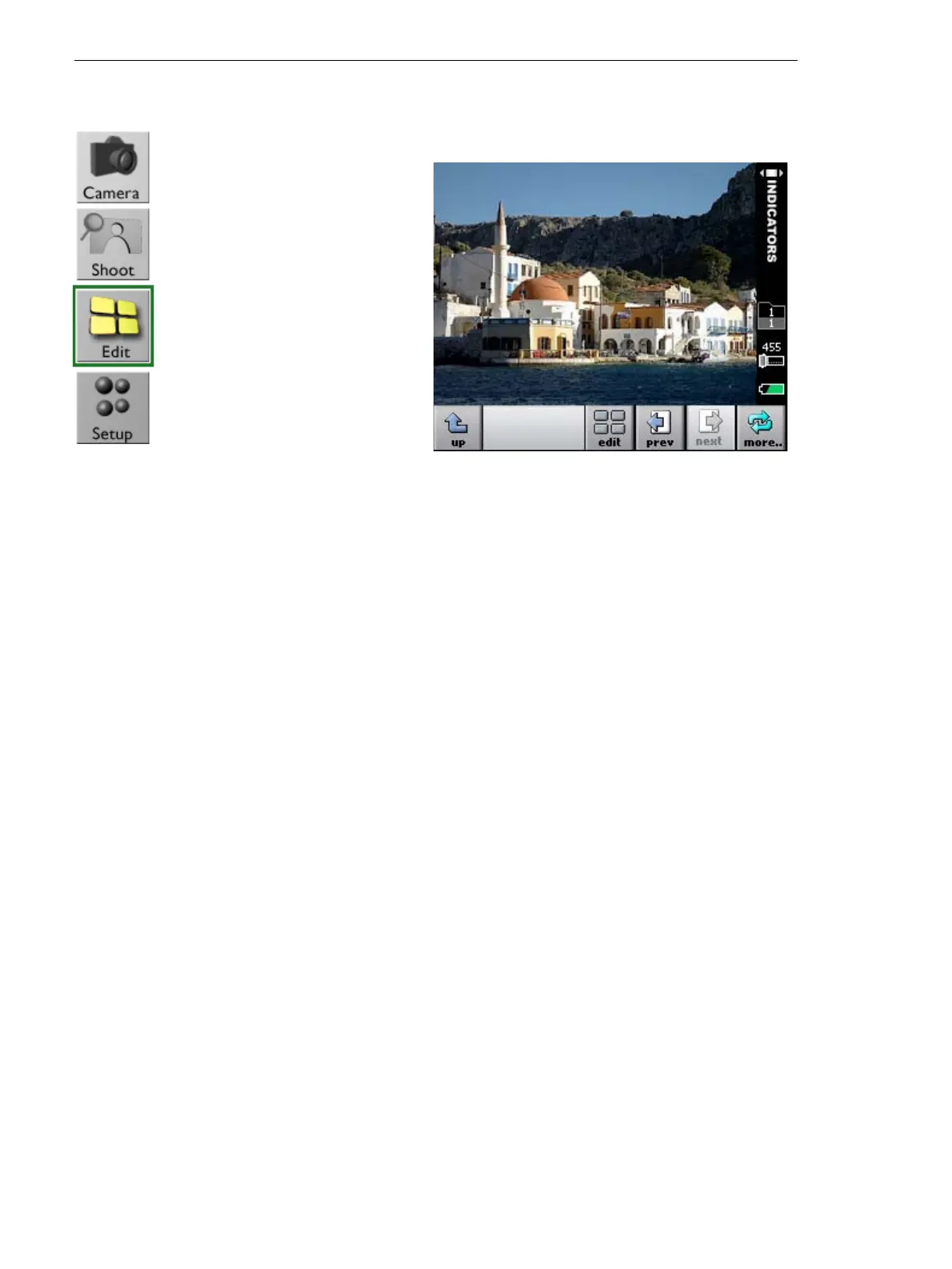
Go from Shoot View to Edit View
Use Edit view to:
• Display your images in various view modes.
• Browse through your images to flag, annotate, and delete single or
multiple images.
• Move images from one folder to another.
¾ In Shoot view, tap
edit.



 To Next Page