10 Chapter 2– Turn on Your Camera Back and Camera
Using the Leaf Aptus Camera Back with a Digital Magazine
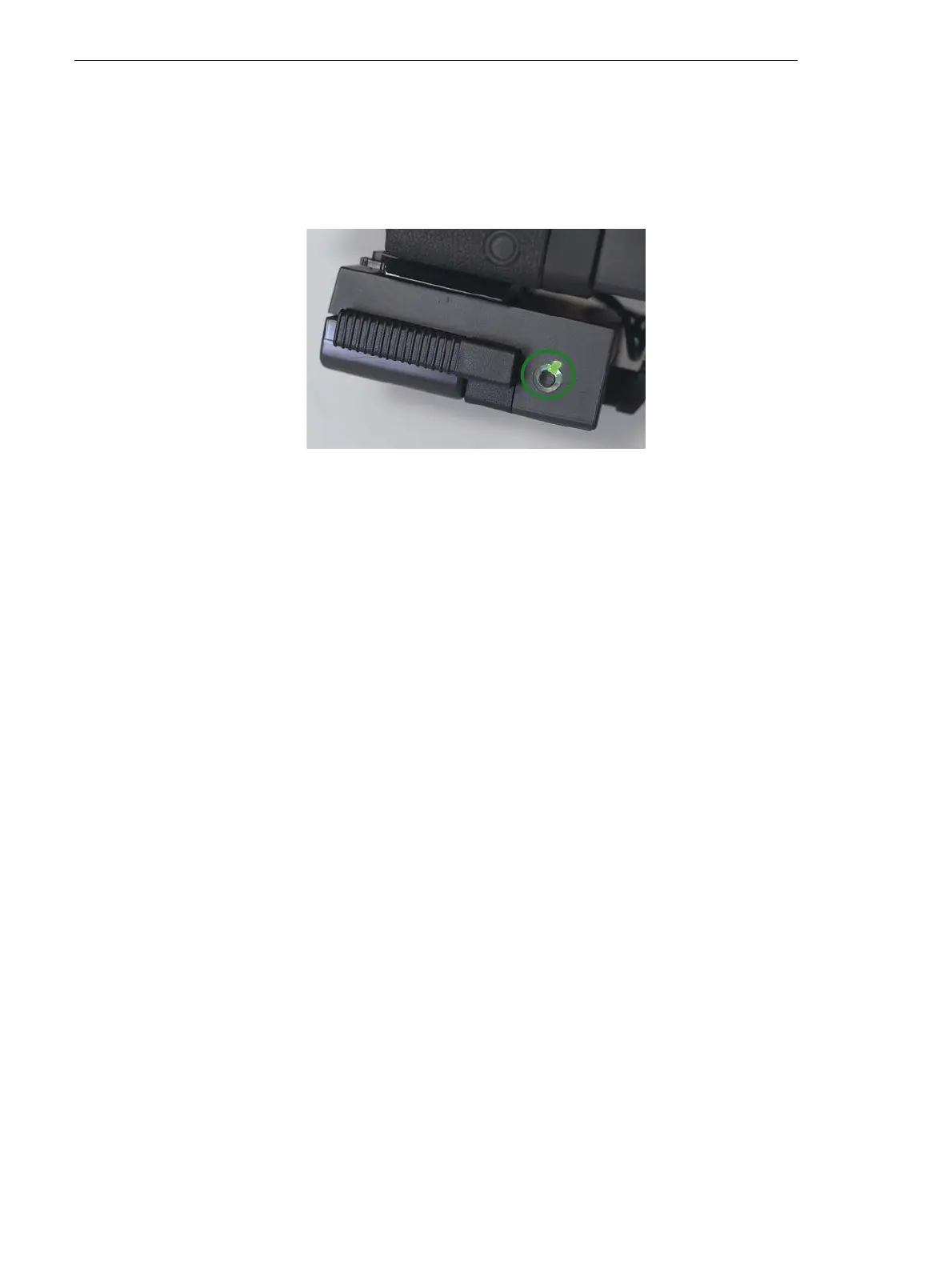
1. Connect the digital magazine to the camera back with the FireWire
cable. For more information, see the Installation Guide.
2. Press and hold the on/off button on the digital magazine until the
green light turns on.
3. Verify that the message Ready to Shoot appears on the touch screen.
To turn the camera off, press the on/off button.
Working in Tethered Mode
1. Plug the FireWire cable into the camera back and the computer. For
more information, see the Installation Guide. If there is a compact
flash in the back, the compact flash icon appears on the desktop.
2. Turn on the camer a.
To turn off the camera back:
¾
If you are using a compact flash, on the desktop, right-click the
compact flash and select
Move to Trash (Mac OSX) or Eject
(Windows), and then unplug the FireWire cable.
¾ If you are not using a compact flash, unplug the FireWire cable.



 To Next Page