Check the Exposure (cont’d) 31
Check the Exposure (cont’d)
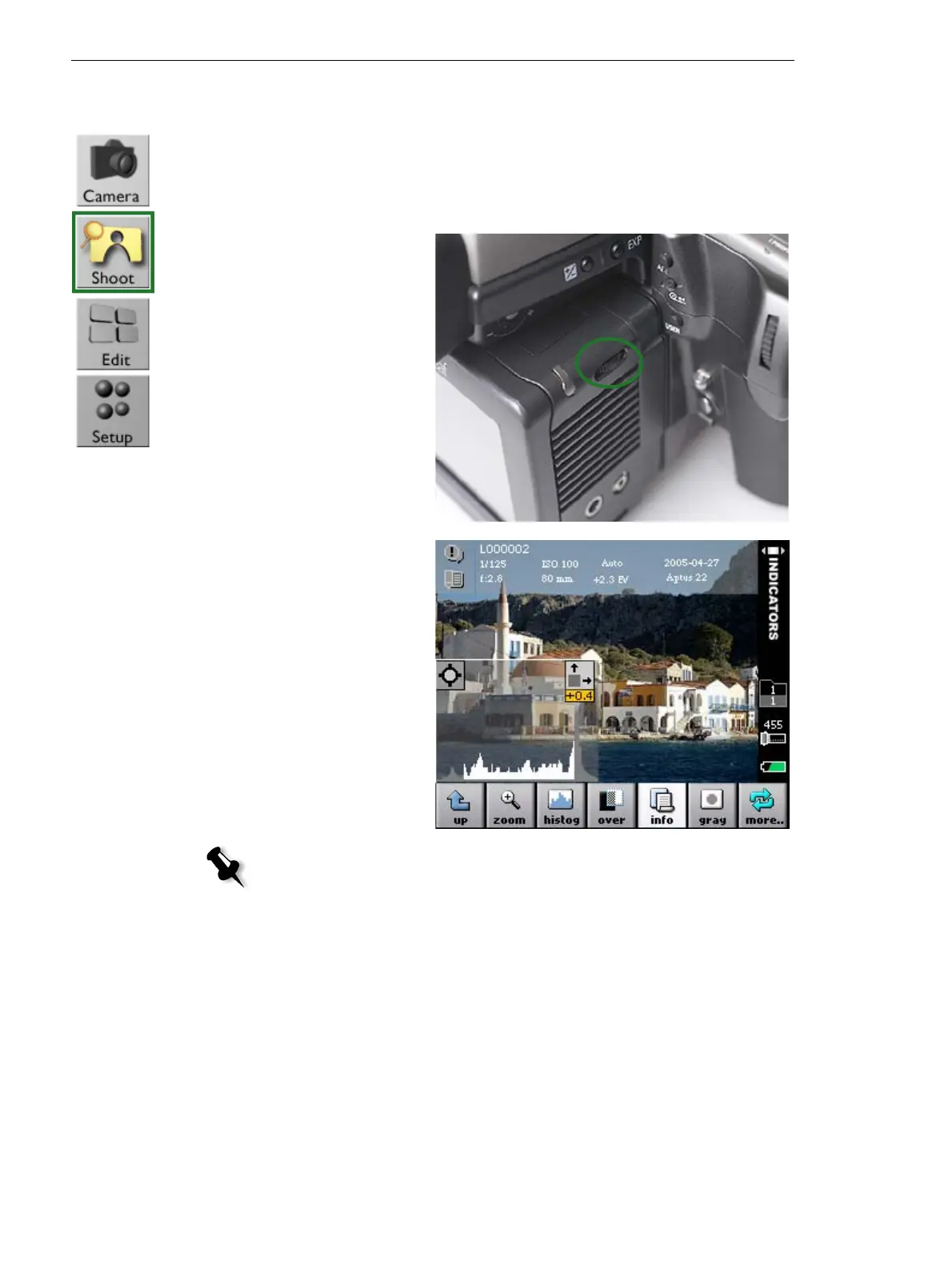
Press the User Button to View the Histogram and
Information About Your Shot
¾ Press the user
button.
The histogram
appears with the
overexposure and
underexposure
indicators.
To hide the overlays,
press the button
again.
Note: You can customize the user button to display a different combination of
the histogram, exposure alarms, and info. For more information, see Configure
the User Button for Shoot on page 60.



 To Next Page