30 Chapter 5 – Evaluate Your Shot
Check the Exposure (cont’d)
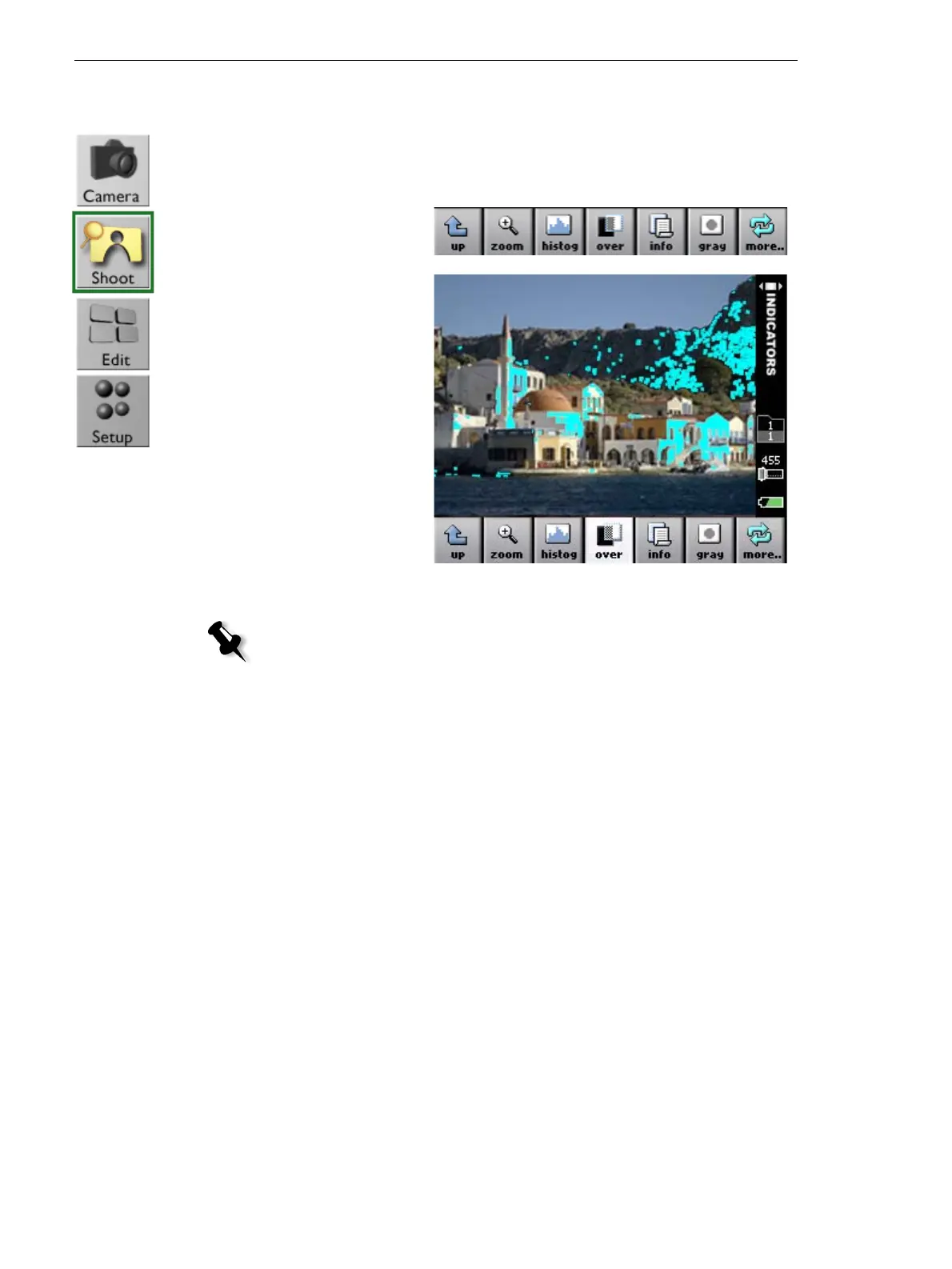
Using the overexposure and underexposure alarms
1. Ta p over.
A flashing mask
covers the
overexposed and
underexposed
areas of the
image.
Note: It is possible to configure which exposure areas appear, overexposed or
underexposed. For more information, see Adjust the Settings for a Shoot,
page 51.



 To Next Page