22 Chapter 3– Prepare to Shoot
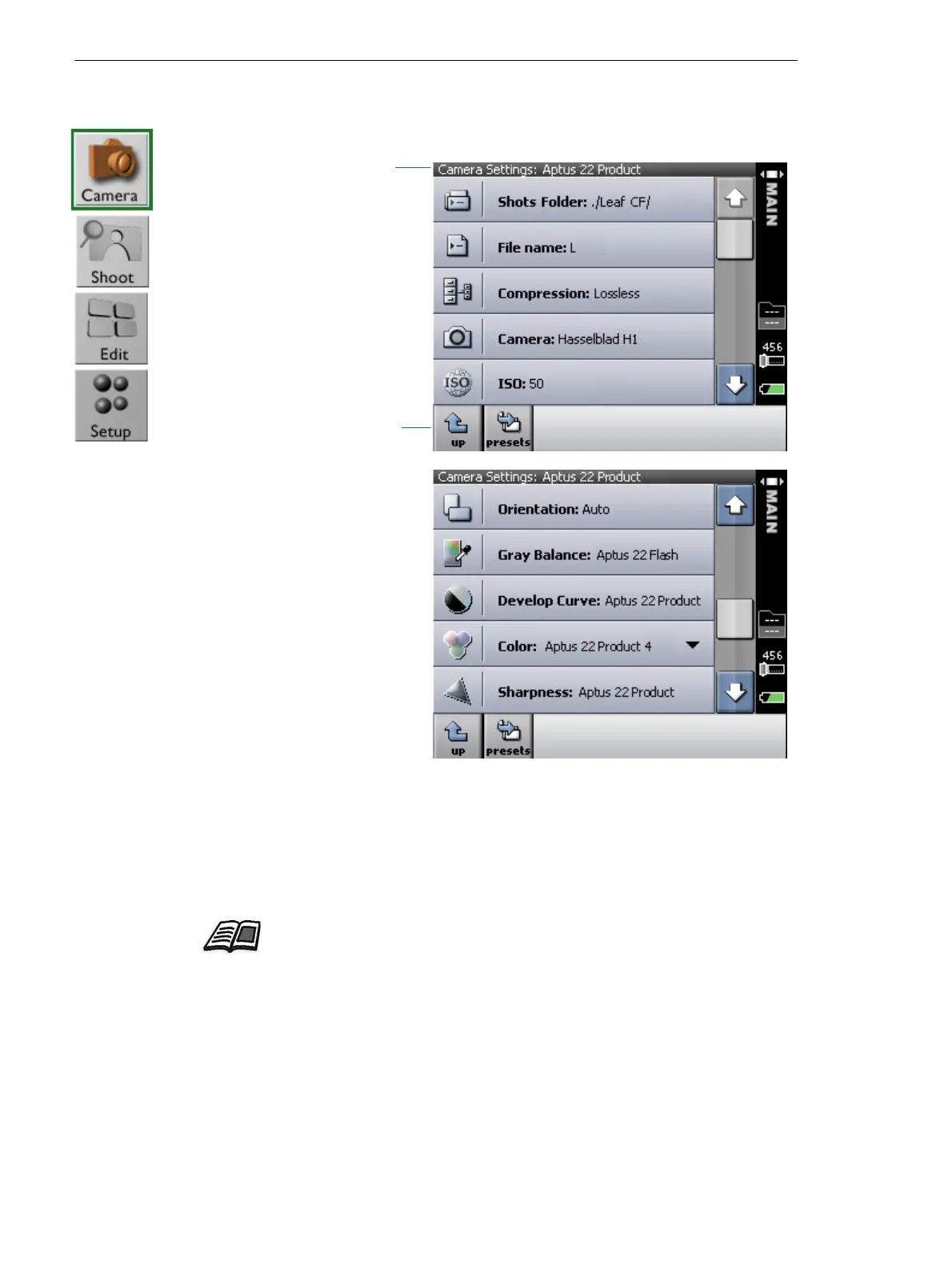
View and Define a Predefined Camera Setting
To change a camera setting:
¾
Tap the relevant setting, and from the menu that appears, select an
option.
1. Scroll to view the
current settings by
tapping the up
and down arrows.
2. If necessary, change the camera setting or an individual setting. The
camera settings specified here are applied to all future shots.
To view and select
other predefined
camera settings,
tap presets.
The selected
camera setting.
For more information about these settings, see the Leaf Capture User Guide.



 To Next Page