34 Chapter 5 – Evaluate Your Shot
Check the Composition
Browse Through Your Images
Do one of the following:
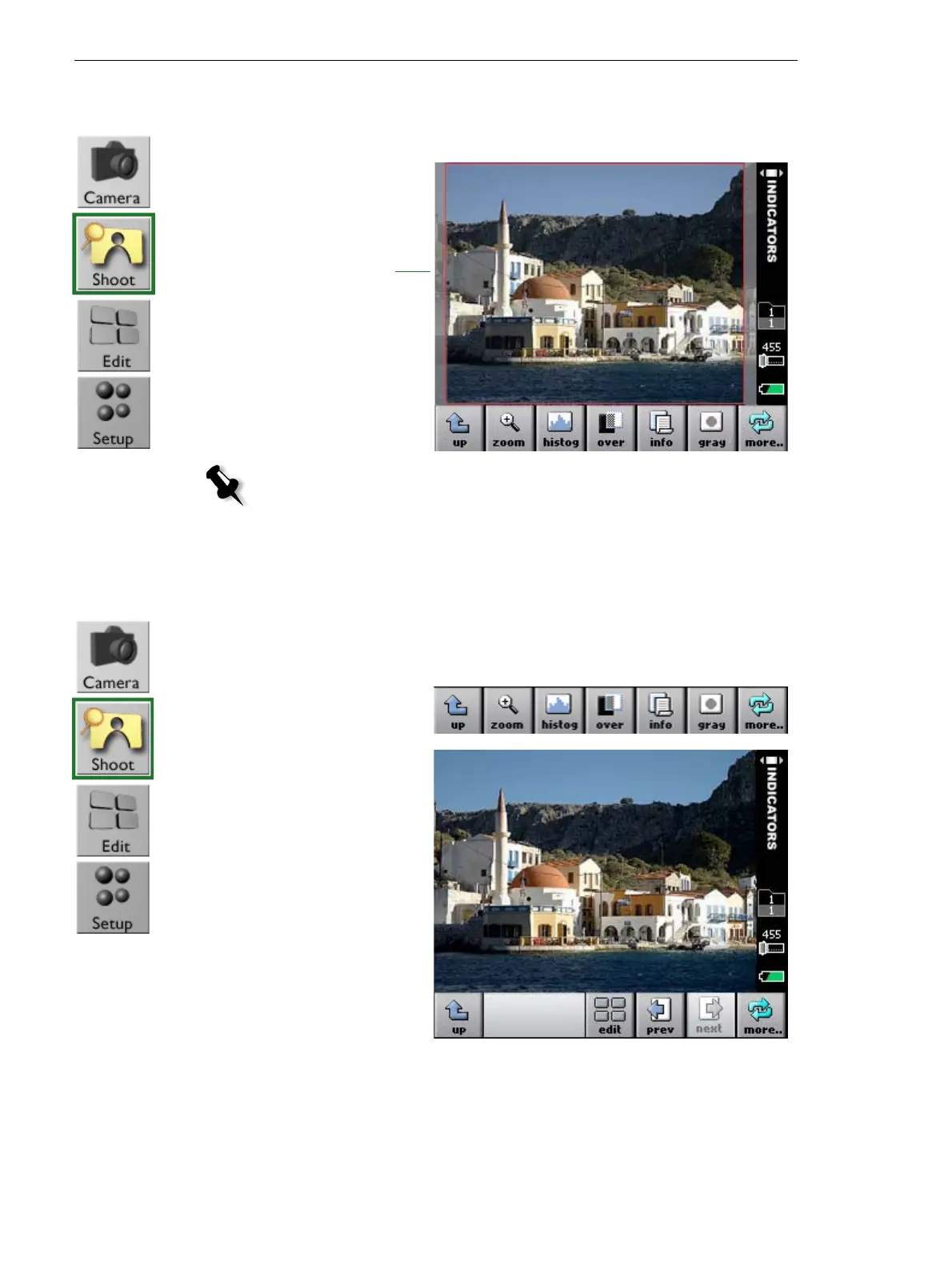
¾ View the image
area that lies
within the red
border.
Note: To see a crop mask on your image, you must select a size for your shot in
the camera settings. If you select a size but do not want the crop mask to appear,
you can hide the mask. For more information, see Adjust the Settings For a Shoot
on page 51.
Crop mask
• a. Tap more.
b. Tap the
prev
and
next
buttons.
• Roll the user button back or forwards.



 To Next Page