UHF Digital Hybrid Wireless
®
Rio Rancho, NM
17
• u, v allow up to 16 user-Selected frequencies to
bestoredineachgroup.EachpressoftheUPor
DOWNbuttonwillsteptothenextstoredfrequency
in the group.
Note: The Tuning Setup Screen only Selects the
tuningmode(NORMALorGroupTuning)and
not the operating frequency. Actual operating
frequencies are chosen through the Frequency
Screens.
InGrouptuningmodes,theUPandDOWNbuttons
navigate among the Selected frequencies in the group.
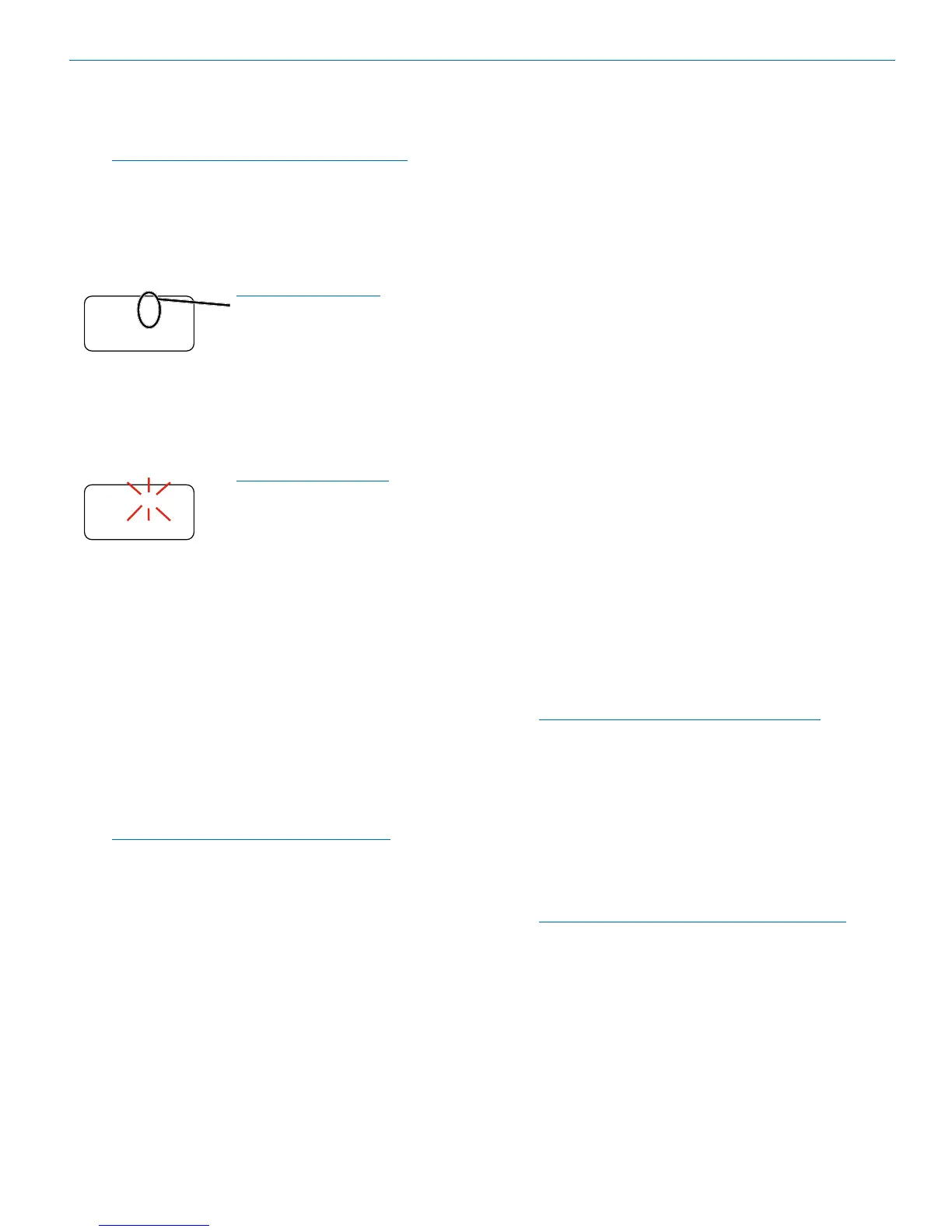
When a tuning group is
Selected, a letter will appear
next to the hex switch settings.
HoldingtheSelbuttonwhilepressingtheUPorDOWN
buttonwillsteptothenextfrequencyin100kHzsteps,
which will Select a frequency that is not stored in the
group.Inthiscase,thegroupletterinthedisplaywill
blink to indicate that the Selected frequency is not
included in the group.
The letter will blink when
a frequency outside of the
tuning group is Selected.
WhennofrequenciesarestoredingroupsUandV,
theUPandDOWNbuttonswillfunctionthesameasin
theNORMALmode(eachpressmovesupordownin
100kHzsteps).
WhenonlyonefrequencyisstoredingroupUorV,the
UPandDOWNbuttonswillnotchangethefrequency.
Inthiscase,holdtheSelbuttoninandthenpressUPor
DOWNtoscrolltothedesiredfrequency.
ToaddafrequencytotuningeithergroupUorV,Select
the desired frequency as in the previous paragraph,
thenholdtheSelbuttonin,thenholdtheUPorDOWN
button in until the letter stops blinking.
To delete a stored frequency, Select it with the UP and
DOWNbuttons,thenholdtheSelbuttonin,thenhold
theUPorDOWNbuttoninuntiltheletterstartsblinking.
SHORTCUT:HoldtheMENUbuttoninwhile
pressingtheUPorDOWNarrowtojumpin
16channelincrements(1.6MHzsteps).Ifthe
TUNINGmodeissettoagroup,itwillstillstepup
or down in the same 16 channel increment, which
will likely tune to a frequency that is not included in
the group (letter will blink in this case).
SmtNR
Thissetupscreenisavailableonlyinthe400Series
COMPAT(compatibility)mode.Selectthedesiredmode
while listening to the audio to of one of three choices:
• OFF provides no noise reduction for complete
transparency, which is useful in controlled environ-
ments with very little high frequency noise such as
an indoor motion picture production set.
• NORMAL applies a moderate amount of noise
reduction to noticeably reduce hiss from subtle
sources such as electret microphones.
• FULL is very similar to the Lectrosonics noise
reduction system used for many years in the 195
and200Seriesanalogsystems.Hissfromelectret
microphones and some environmental HF noise are
suppressed.
PHASE
This setup screen allows the audio output phase to be
inverted to compensate for situations such as phase
inversion caused by microphone wiring.
TXBAT
This setup screen allows you to Select the exact battery
being used in the transmitter to provide more accurate
battery level monitoring.
WhentheCOMPATmodeissettoHYB(hybrid)orthe
200Seriesmode,theselchoicesare:
• 9V-Transmitterusesa9Valkalinebattery.
• 9VL-Transmitterusesa9Vlithiumbattery(not
rechargeable).
• 9VT-Transmitterusesa9Vbatteryofanytype.
MonitoritsstatuswiththetimerintheLCDMain
Window. This is the best choice when using a re-
chargeable battery in the transmitter.
• AA - Transmitter uses a AA alkaline battery.
• AAL - Transmitter uses a AA lithium battery (not
rechargeable).
• AAT - Transmitter uses an AA battery. This is the
best choice when using a rechargeable battery in
the transmitter.
The9VTandAATsettingsaremostusefulfor
NiMH batteries as they do not exhibit reliably
identifiable voltage drops as they discharge.
Incompatibilitymodesotherthan400Seriesand200
Series, no battery telemetry information is available, so
the TXBAT setup screen offers only two choices:
• --- (no timer) - Display no transmitter battery status
in the main window.
• TIM - Monitor the transmitter battery status with the
batterytimerintheLCDMainWindow.
NOTE:Toresetthetimer,settheTXBATmodeto
anythingotherthan9VTorAAT,thenbacktothe
desired mode.


 To Next Page