CONTROL DEVICES FOR ENHANCED FUNCTIONS
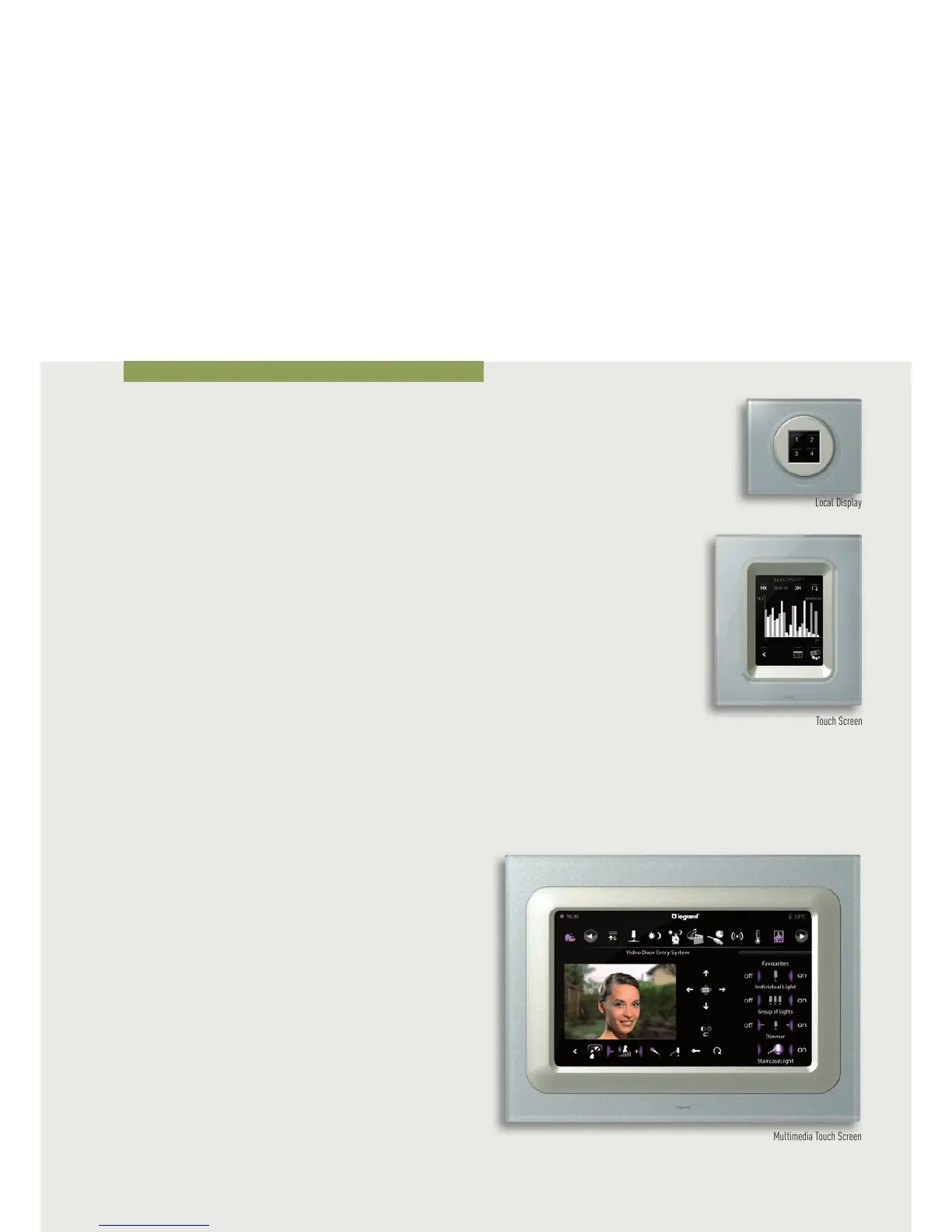
LOCAL DISPLAY
The Local Display is a room control to manage the scenarios,
sound system and temperature control. With just one touch
the 4 icons can call 4 scenarios.
MULTIMEDIA TOUCH SCREEN
The Multimedia Touch Screen is a control device, like the
Touch Screen, manages all the system functions.
In systems combined with Sound System and Video door entry
it can manage multimedia functions and answer calls from
the entrance panel.
Touch Screen
TOUCH SCREEN
The colour Touch Screen is a room control for all My Home
Legrand functions. It is possible to switch the lights on
and off, lower or lift the shutters, control the watering
system in the garden, adjust the temperature in all rooms,
automatically activate scenarios according to logical or time
conditions, etc. The display starts with a “home page”.
The applications that can be managed are shown graphically
inside the home page. When you touch the icon of the
application you want to manage (e.g. lighting), a page will be
displayed. This page will contain the customised icons of the
light points. Again, with a simple touch on the chosen icon,
the lamp or lamps associated to it will turn on or turn off.
The Touch Screen can be easily installed in a flush-mounting
box.
Control devices
Local Display
Multimedia Touch Screen



 To Next Page