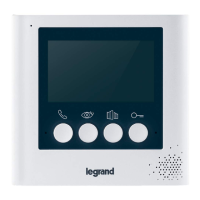
The intercom in the resident’s flat can be set to flash the green “I’m OK” light and sound a beep
every 20 seconds
during a pre-set time period each day.
The beep every 20 seconds can be turned off.
If the resident is up and about and feeling “OK” they can press the “I’m OK” button on their intercom to stop the alert
and clear their flat number from a list in the Advent XT2 memory.
The flat numbers of the residents that HAVE NOT responded “I’m OK” can be checked on the Manager’s Panel.
Note: they can also be called/listed using the handset; press
and wait for the “Manager’s mode - Ready” prompt;
then enter 3000
to call or 3001
to list.
The I’m OK feature can be temporarily disabled by selecting “Away Mode” on the resident’s intercom.
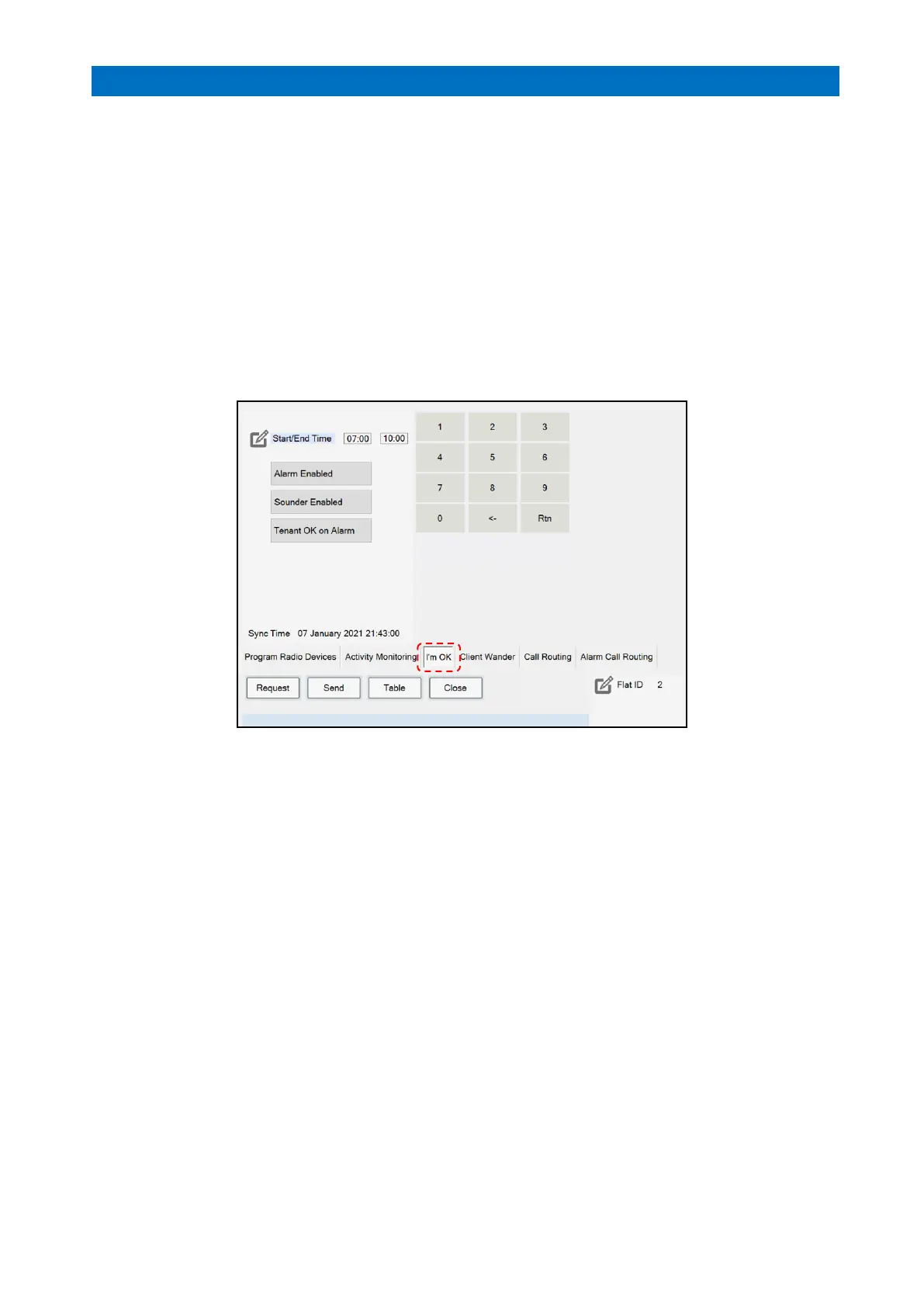
From Settings on the Home page, enter the Manager (or Engineer) password, then press the Programming button.
Select the I’m OK option from the tabs along the bottom of the screen.
Press Flat ID and use the on-screen keypad to enter the flat number required.
Press the Request button to view the current I’m OK settings for the flat number selected.
Press Start/End Time and use the keypad to enter the start and end times for the I’m OK monitoring period;
Press Rtn on the keypad and buttons for the days of the week will be displayed.



 To Next Page