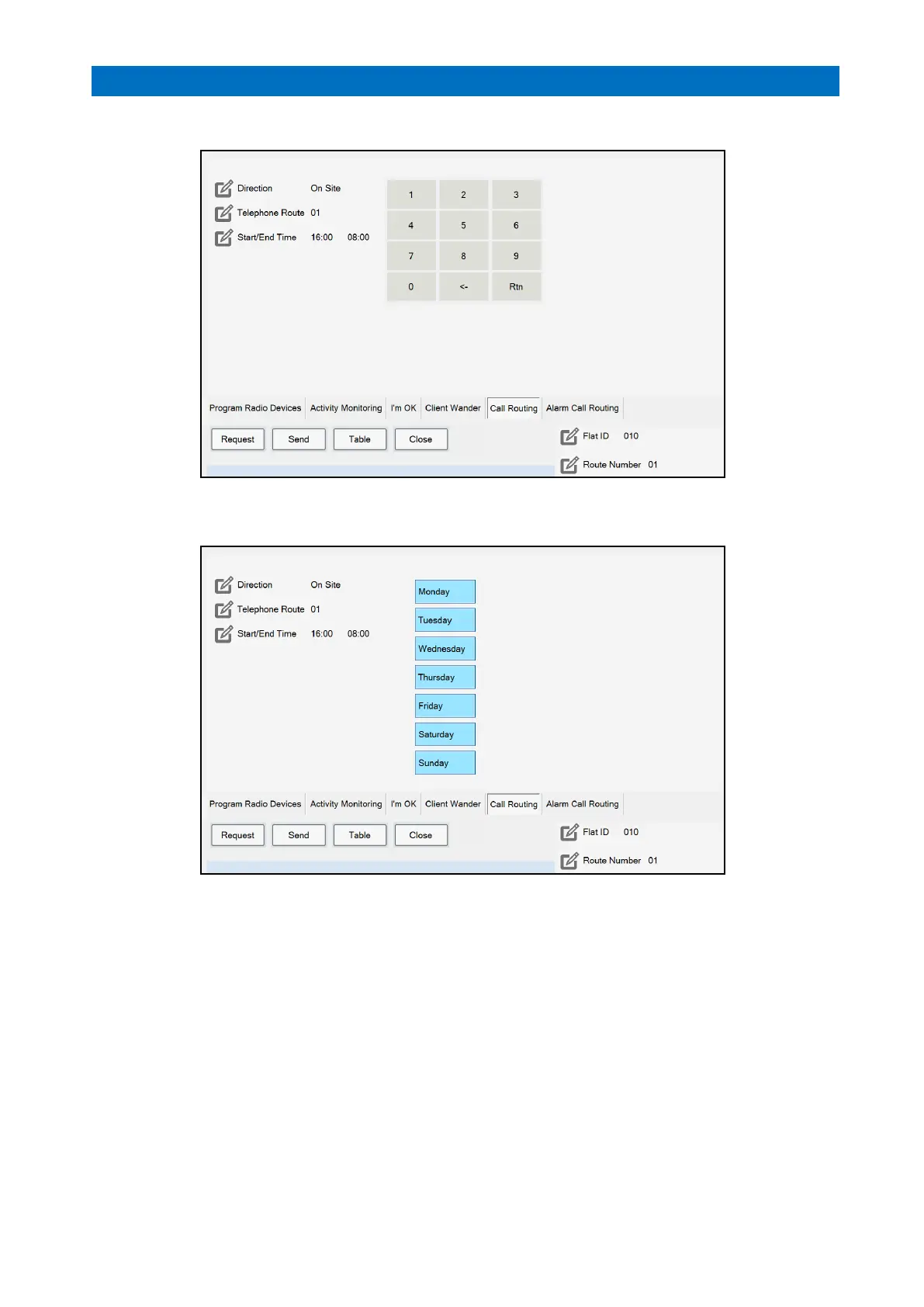
Press Start/End Time and use the keypad to enter the start and end times for the call routing;
Press Rtn on the keypad and buttons for the days of the week will be displayed;
Select which days Monday to Sunday that the call routing feature will be active – blue is enabled, grey disabled.
Press the Send button to update the XT2 system.
Repeat for another flat number.
Press Table to view a list of Call Routing settings for all flats.
Press Close when done.



 To Next Page