Operating instructions
Operating the SuperVario®
13
3.3 Switching on / o
Danger!
The drive motor starts immediately when switched on.
Make sure that no-one is in the danger area when you
switch the system on.
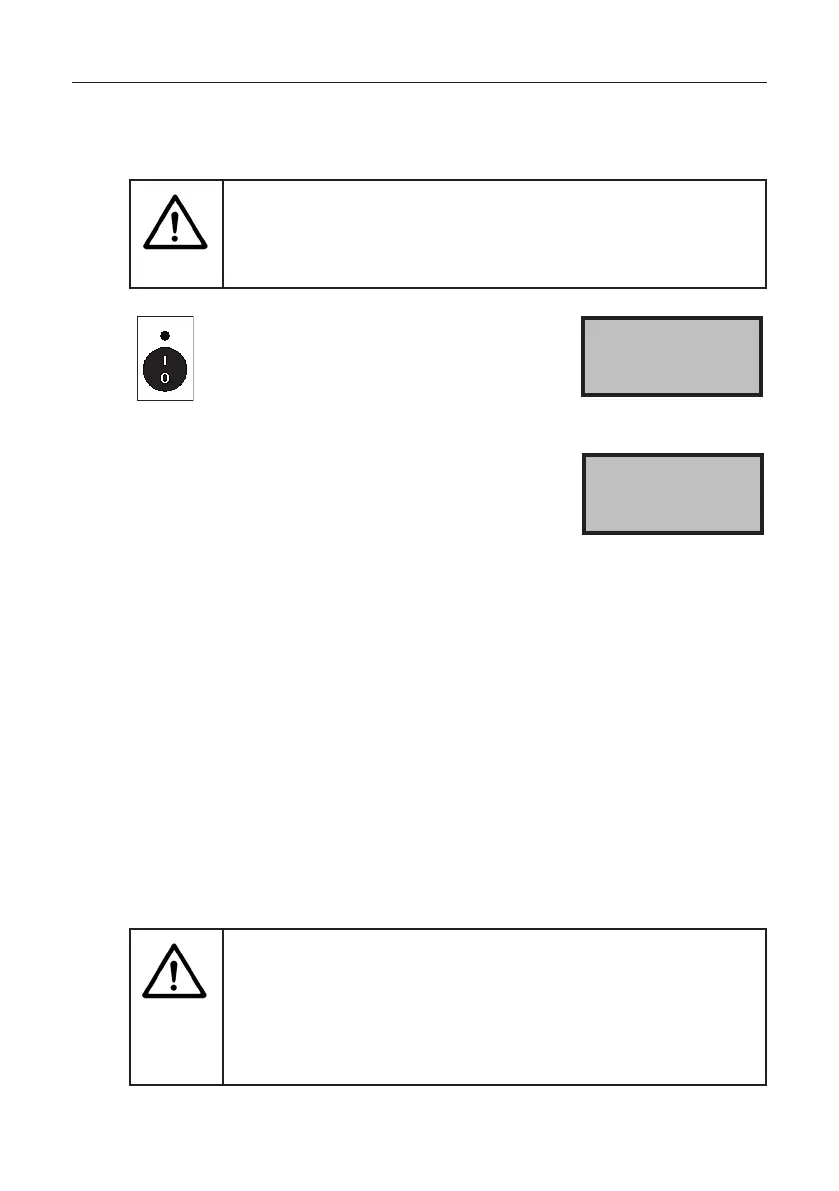
Press the button.
The speed of the spreading disc and
the slide opening are displayed. The
slide is always closed at switch-on.
> Speed 200
Slide 29
If this message is displayed, a cable is damaged
or a plug disconnected.
> Speed 200
Spr. connection
Low temperatures can cause the empty indicator to respond slowly.
Check the setting:
1. Let the spreader run for approx. 1 minute with the slide closed.
2. If the slide is now opened, the empty indicator must respond after
approx. 5 seconds.
3. If this does not happen, set the empty indicator in the negative
range by 5%; see section “4.6 Adjusting the empty indicator” on
page 21.
Autostart
Ifthemotorisdiculttostartduetoheavyloads,startthemotorupto
10 times in alternating running directions. If this does not free up the agitator,
themotorisautomaticallyswitchedo.Thefollowingmessageisshowninthe
display: Disc blockage.
Danger!
Never open the hopper or touch the spreading disc
when the drive motor is running.
Switchothedrivemotorandmakesurethatthemotor
is stopped before opening the hopper or touching
the spreading disc.



 To Next Page