Operating instructions
Settings and displays
26
4.13 Setting the auto-dose (special accessory)
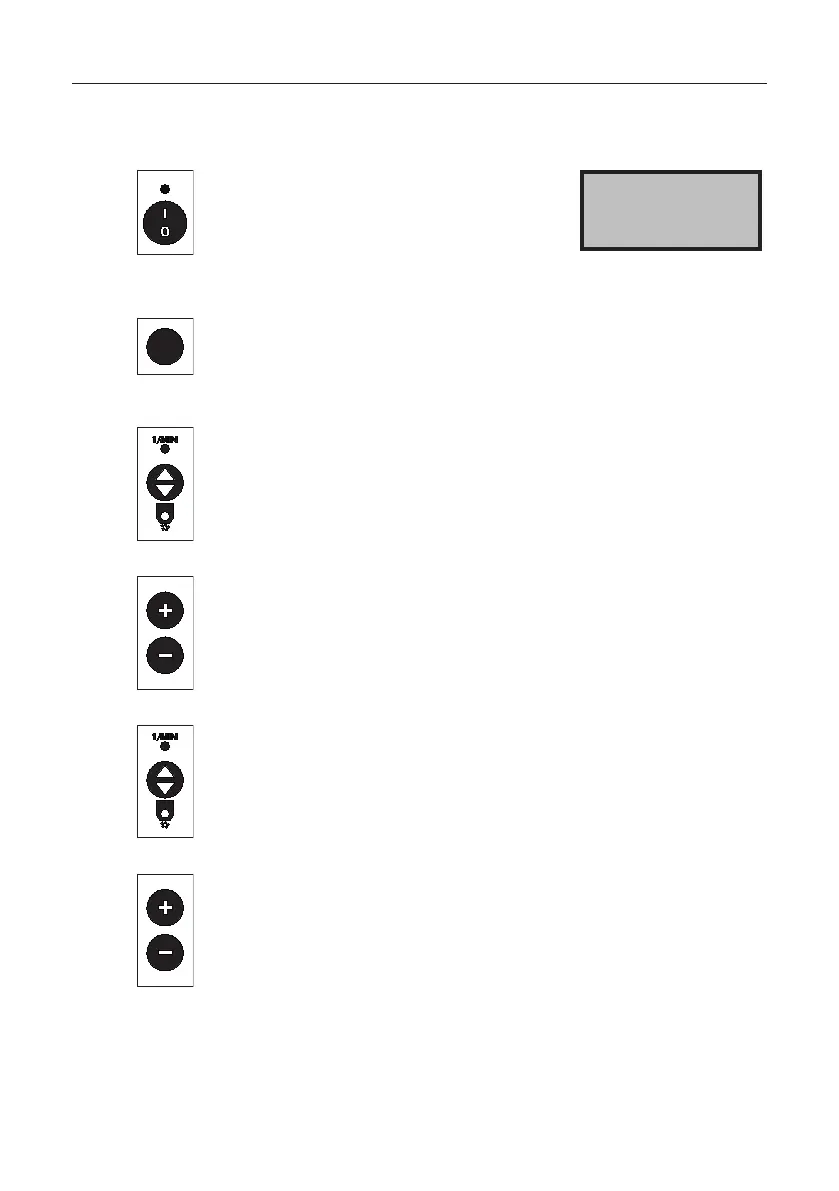
Press the buttons.
The speed of the spreading disc
and the slide opening are displayed.
The slide is always closed at switch-on.
> Speed 200
Slide 29
AUTO
Press the button.
The selected spreading material, the working width,
and the output rate in kg/ha are displayed.
Pressthebutton,thespreadingmaterialdesignation"ashes".
Press the + or - button to change the spreading material
(e.g. from white mustard to Metarex).
While the 7-pin plug or GPS receiver are not plugged in,
the full name of the spreading material is displayed.
Pressthebuttontoconrmthechoiceofspreadingmaterial.
Workingwidth"ashes".
Press the + or - button to set the working width.



 To Next Page