Operating instructions
Settings and displays
20
4.3 Selecting the empty indicator
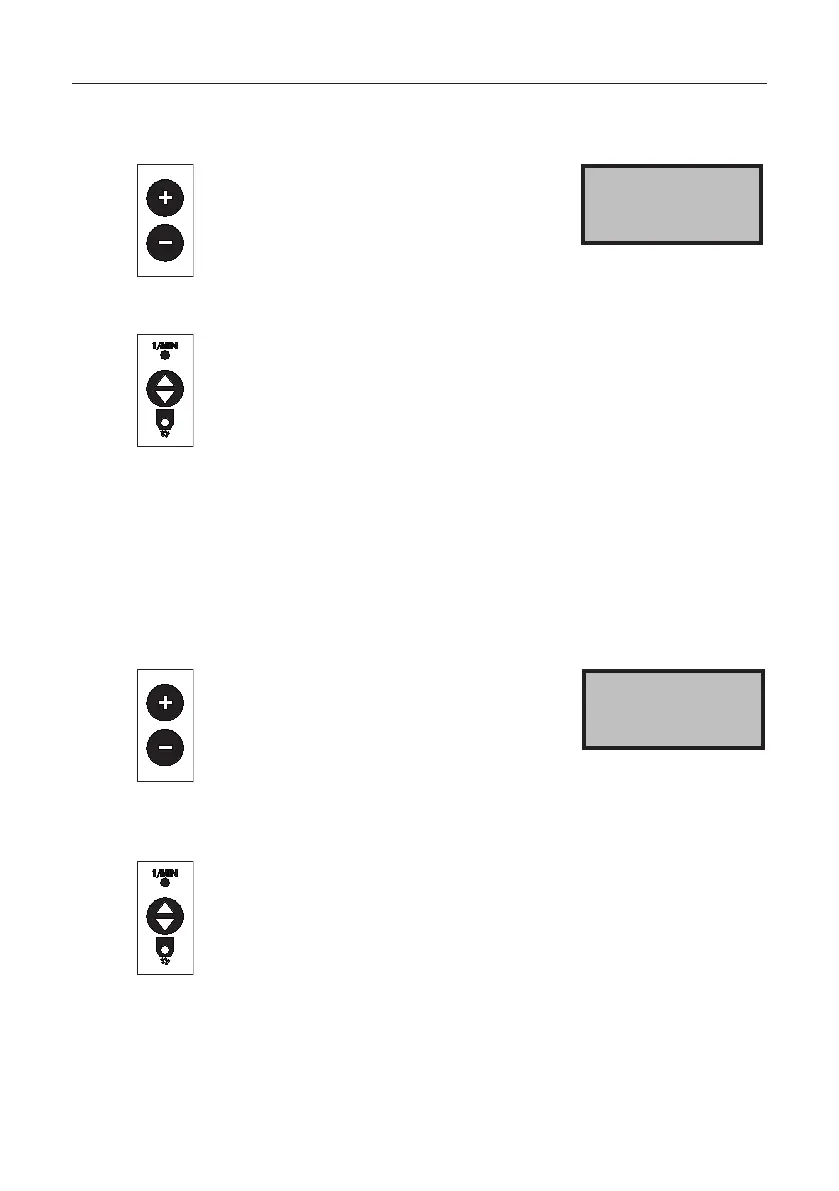
Press the + or - button to select the
empty indicator:
From spreading disc resistance via ag-
itator motor with soft agitator via exter-
nal empty indicator – not programmed
oremptyindicatorswitchedo.
Empty indicator 1
One disc
Press the toggle switch: the setting is
saved. Press the next menu item or
main switch: the setting is saved and
themachineisswitchedo.
4.4 Setting the EHR signal
When the spreader is equipped with the headland manager accessory,
the hydraulic signal of the tractor can be detected. This signal is emitted
when lifting or lowering.
The spreader's factory setting is to output the signal when lifting. If the tractor
emits the hydraulic signal when lowering, you can adjust the spreader.
Press the + or - button to set
the EHR signal.
EHR signal for lifting:
High active is displayed.
EHR signal for lowering: Low active
is displayed.
EHR signal 0
High active
Press the toggle switch: the setting is
saved. Press the next menu item or
main switch: the setting is saved and
themachineisswitchedo.



 To Next Page