Operating instructions
Settings and displays
28
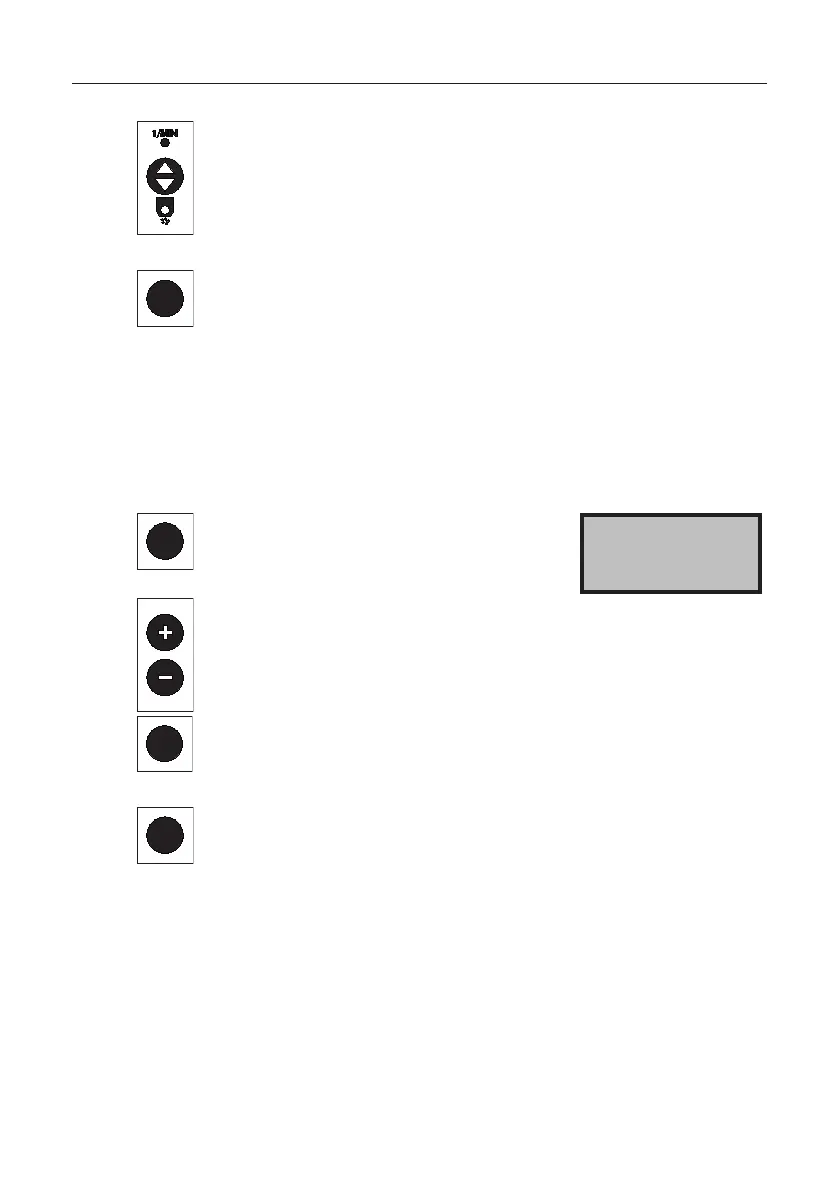
Press the button.
The quantity adjustment is displayed in %.
AUTO
Press the button.
The selected spreading material, the working width,
and the output rate in kg/ha are displayed.
The speed impulses per metre are set.
The controller is ready to start.
In GPS mode, no impulse setting is required.
The spreading value stored in the spreading chart can be changed temporarily.
AUTO
AUTO
Set the quantity adjustment.
Press the button for around
5 seconds.
Press the + button to increase
the spreading value up to 50%.
Press the - button to decrease
the spreading value up to 50%.
Press the button to return
to operating mode.
Qty. adjustment
0%
AUTO
Press the button.
The quantity adjustment has been stored. The quantity
adjustment remains stored until the spreading material
in the display is switched or changed.
4.14 Operating the SuperVario® in automatic mode
Connect the speed signal (GPS receiver or 7-pin signal socket).
The stored table value continues to appear in the display. The quantity
adjustment in % is performed automatically from the control console.



 To Next Page