Operating instructions
Settings and displays
29
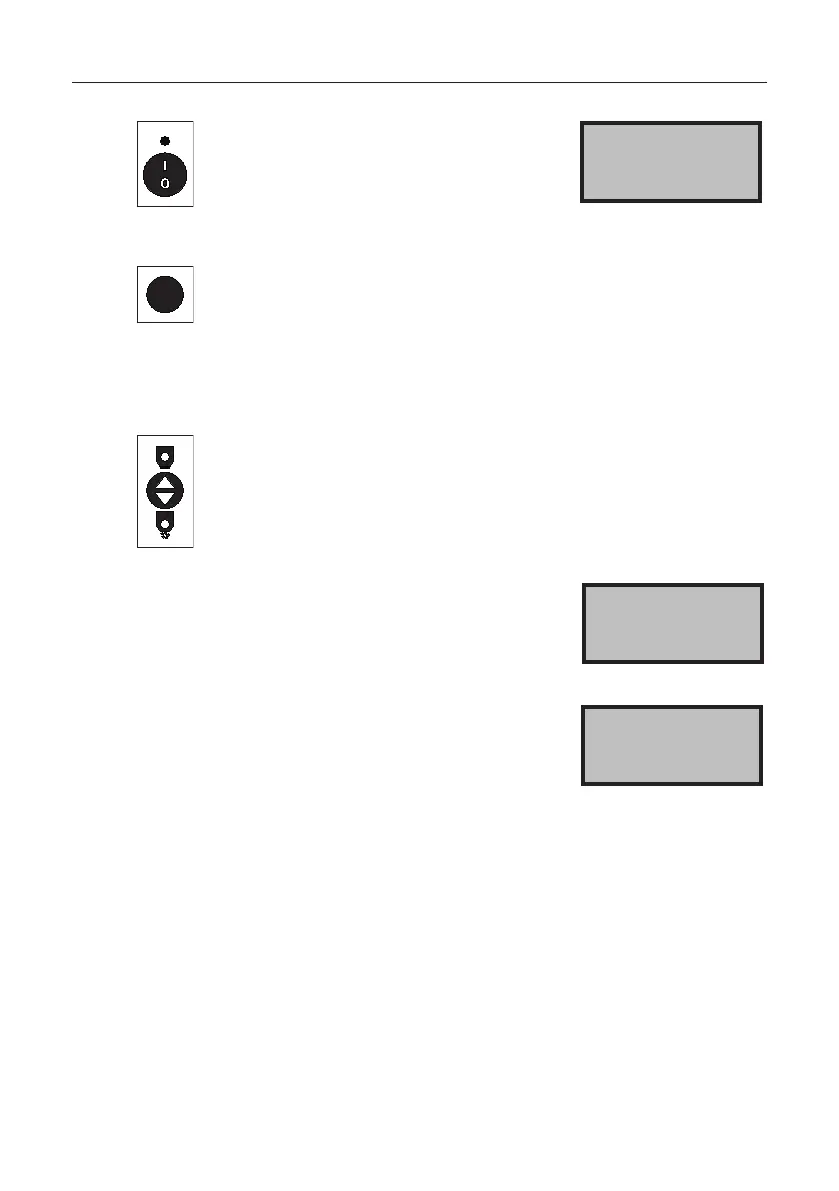
Press the button.
The speed of the spreading disc and
the slide opening are displayed.
The slide is always closed at switch-on.
> Speed 200
Slide 29
AUTO
Press the button.
The selected spreading material, the working width,
and the output rate in kg/ha are displayed.
If a speed signal is connected, the speed travelled at is also
displayed along with the spreading material.
Press the button to open the slide.
Withthevehiclestationary,setowithin5seconds,
otherwise the message "Slide not open" appears.
If the slide is open, the message
"Open" and the relevant slide open-
ing, e.g. "Open 46" appear; the speed
travelled at is also displayed.
OPEN 46 5.9km/h
15.0 m 25.0 kg/ha
If the travel speed is higher than the
value stored in the spreading chart in
the controller, the message "Too fast"
appears in the display. Only the max-
imum speed stored in the spreading
chart is included in the calculation, not
the actual travel speed.
OPEN 120 33.2km/h
Too fast


 To Next Page