Operating instructions
Settings and displays
30
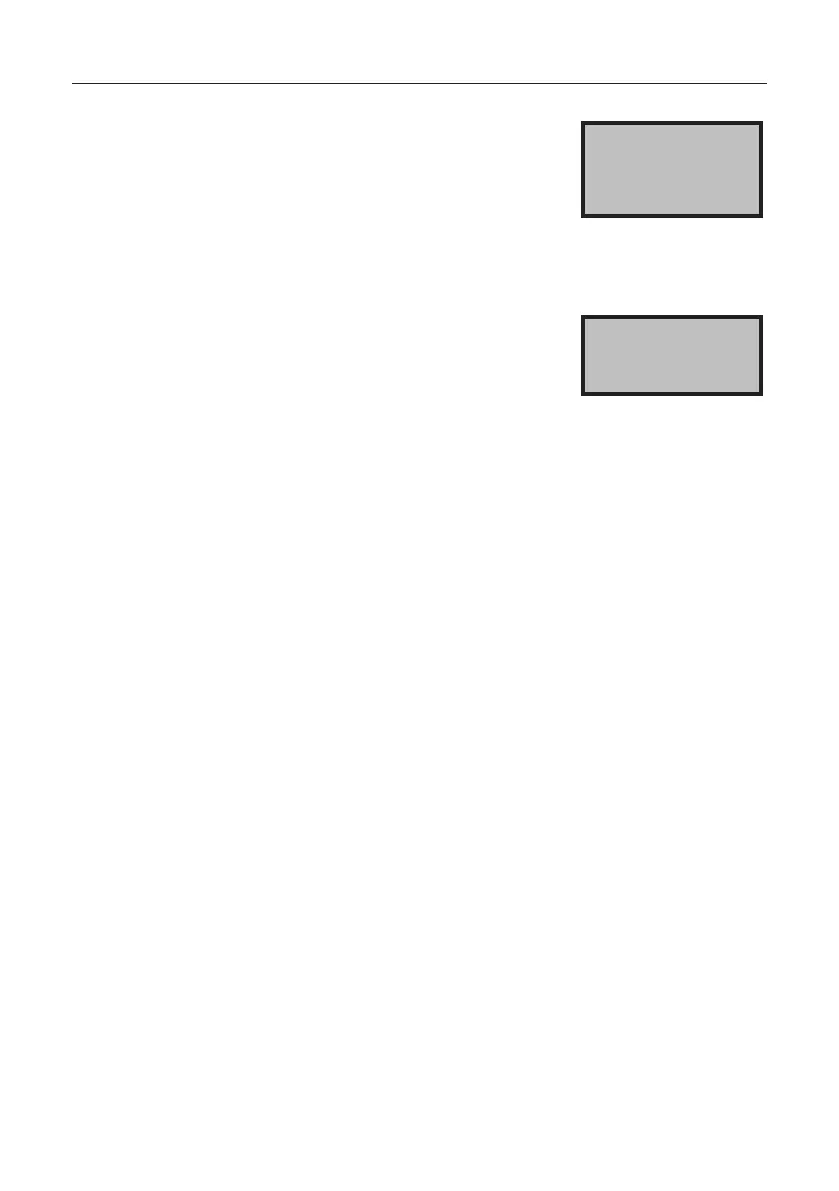
If the travel speed is lower than the
value stored in the spreading chart in
the controller, the message "Too slow"
appears in the display. The minimum
speed stored in the spreading chart
is included in the calculation, not the
actual travel speed.
White
mustard 2 km
Too slow
At a travel speed less than 3 km/h,
the software does not work correctly,
and the message "Slide not open"
appears.
After the vehicle has stopped and set
oagain,pressthe"Slideopen"but-
ton again to open the slide.
When working with the headland man-
ager, this step is unnecessary.
Slide not open
At present, our spreading charts are designed for a maximum
speed of 44 km/h, depending on the spreading material.
At speeds faster than 44 km/h, the error message "Too fast"
appears, depending on the spreading material.
Note
A total of 12 spreading charts can be stored in the control
section. This setting can only be made at the factory.
Spreading charts can easily be replaced
(see section “6.6 Spare parts list” on page 38).


 To Next Page