Operating instructions
Settings and displays
19
4. Settings and displays
The control element can be used to make the following settings:
Language
Empty indicator selection
EHR signal
EHR cycle
Empty indicator adjustment
Spreader type
Number of spreaders
Motor selection
4.1 Making settings
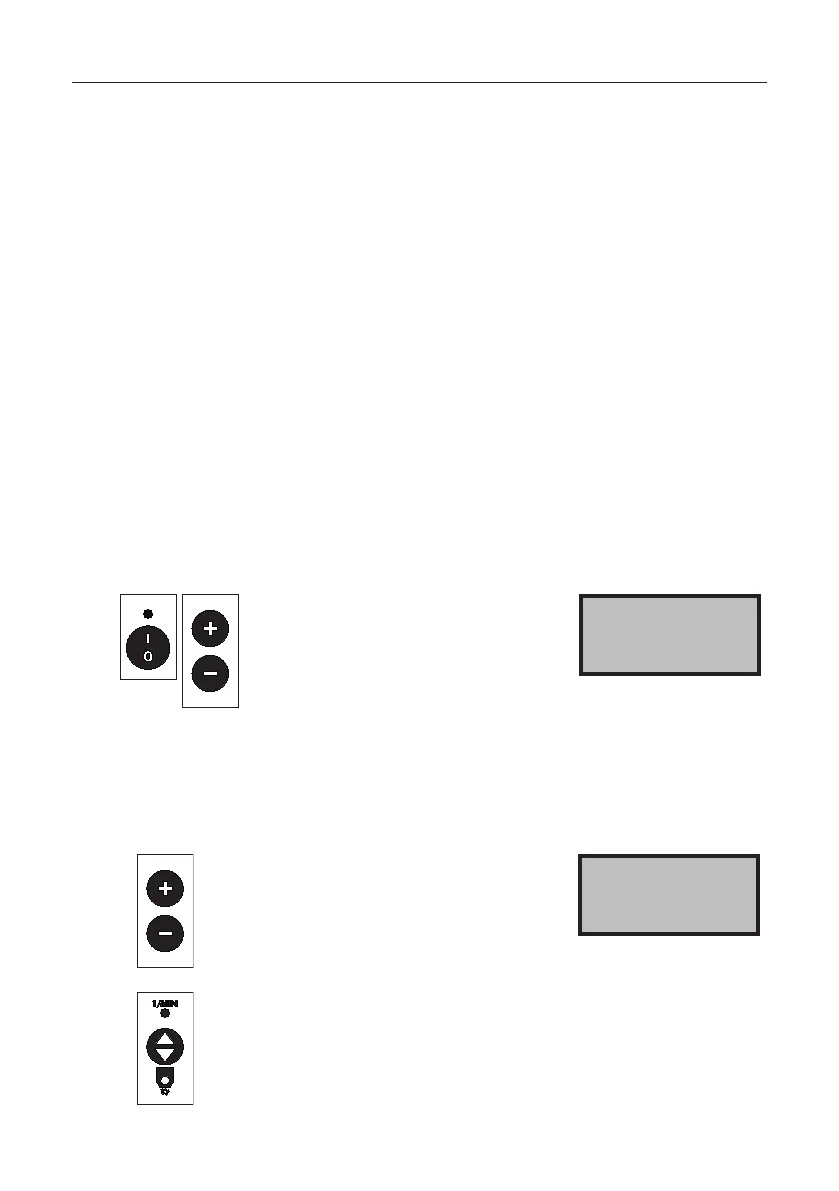
Switchothemachine.
Press the + buttons and - button
at the same time and hold them,
thereby switching on the machine.
Keep all three buttons pressed
for about 3 seconds.
The language selection is
displayed.
Language 0
German
4.2 Language
Press the + or - button to set
the language.
Language 0
German
Press the toggle switch: the setting is
saved. Press the next menu item or
main switch: the setting is saved and
themachineisswitchedo.



 To Next Page