FlexLine/FlexLine plus, 14
Peg Survey
Next step
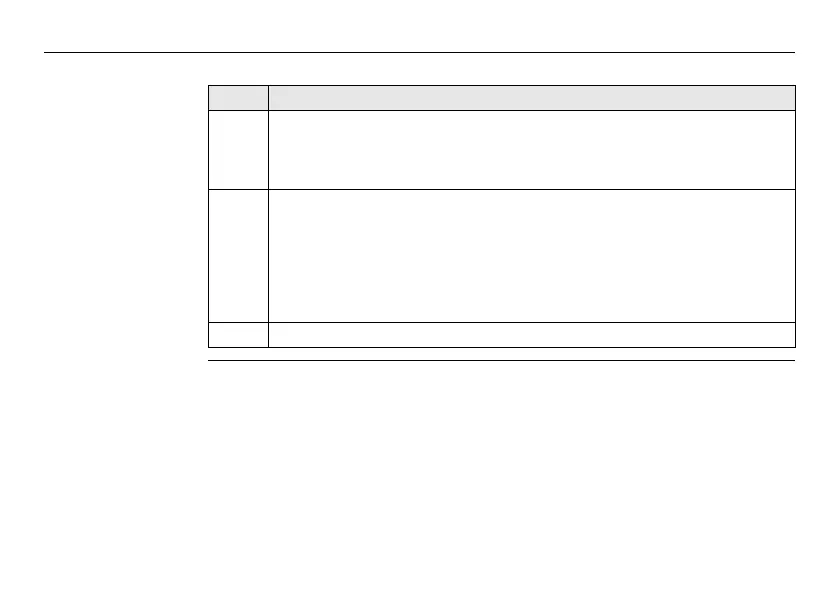
Step Description
1. Press Cont to proceed to the number of sets screen.
The number of sets screen displays which set is about to be measured out
of the total number of sets remaining. For example, Set 1 of total 3 means
the measurement will be the first set of three.
2. Press BasePl to access the Change of Baseplate screen. In the Change
of Baseplate screen, a Hz value can be entered by which the direction
should be rotated.
OR
Press Cont to proceed to the Measure Backsight Point screen.
The Measure Backsight Point screen displays information about which
backsight point the user has to measure.
3. Press Cont to proceed to the backsight point measurement screen.



 To Next Page