Offset FlexLine/FlexLine plus, 35
OFFSET
Offset step-by-
step
Next step
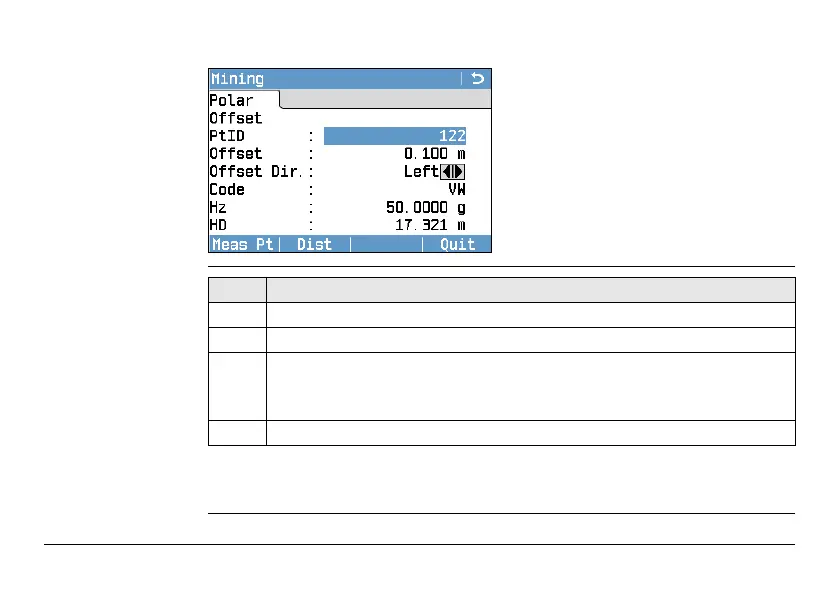
Press Meas Pt to measure and record data for the current point and proceed to
measure another point.
Meas Pt
To start angle and distance measure-
ments and save the measured values.
Dist
To start distance and angle measure-
ments without saving the measured
values.
Quit
To exit the application and return to
the Continue with... screen.
Step Description
1. Enter a desired point ID (PtID:) and the offset value.
2. Select the offset definition, Left, Right, Up or Down.
3. Aim at the target point and press Meas Pt. The measurement is triggered
and stored.
)
After storing, the application returns to the Offset screen.
4. To measure a new point, repeat steps 1. to 3.



 To Next Page