27
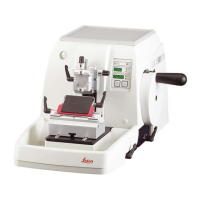
Leica RM 2145 – Rotary Microtome
7. Setting up the instrument
Specimen retraction ON / OFF
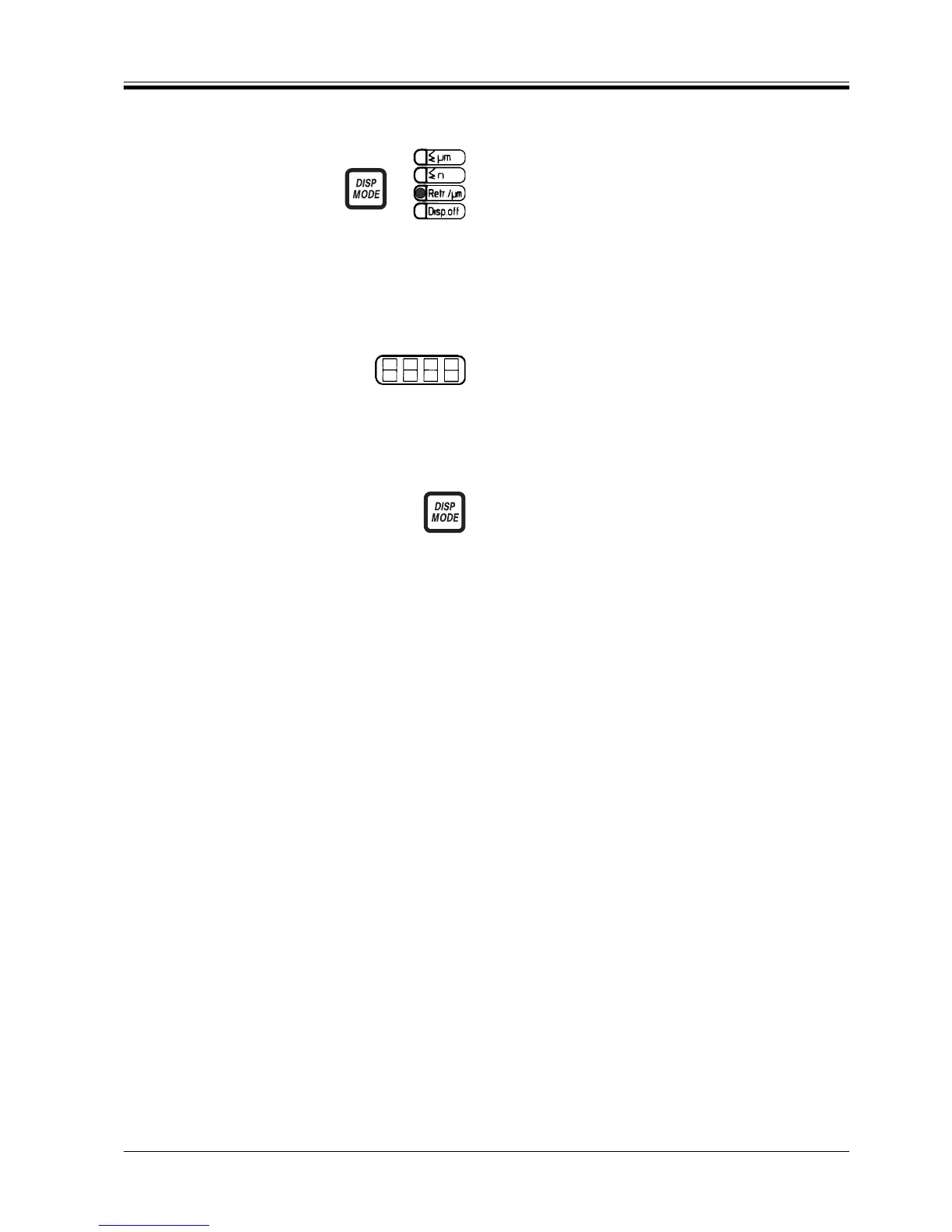
• To select the retraction setting mode, press DISP
MODE, if necessary several times, until the ‘Retr./
µm’ LED is illuminated..
The 4-digit display reads the currently selected value
(e.g. ‘010’ = 20 µm; ‘OFF’ = DES).
• To activate retraction, rotate the adjusting knob
clockwise, until the LED display reads the desired
retraction value.
• To deactivate retraction, rotate the adjusting knob
counterclockwise, until the LED display reads ‘OFF‘.
• To exit the retraction setting mode, press DISP
MODE until the LED of the desired display mode is
illuminated.
When retraction is deactivated, there will be no retrac-
tion movement of the specimen after the sectioning
stroke and the yellow ‘RETRACT‘ LED will be extin-
guished.


 To Next Page