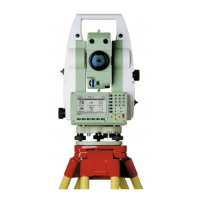
76TPS1200+
Operation
5. Place the battery into the battery housing, ensuring that the contacts are
facing outward. Click the battery into position.
6. Place the battery housing into the battery compartment. Push the battery
housing in until it fits completely into the battery compartment.
7. Turn the knob to lock the battery compartment. Ensure that the knob is
returned to its original horizontal position.
Step Description



 To Next Page