Leitz Icon Printer User Guide About the Leitz Icon Printer
6
About the Leitz Icon Printer
The Leitz Icon printer is the heart of your Icon Smart Labeling System. Using the printer, you can print a wide variety of
labels, name and visitor badges, and more. Because the printer can cut labels to size, you can use a single label cartridge
to print many different types of labels, minimizing the need to switch cartridges. When you do need to change cartridges,
you have a choice of paper or plastic self-adhesive labels, as well as non-adhesive card stock. All label types are available
in multiple widths to meet a variety of applications.
The printer connects to your computer wirelessly or using the included USB cable.
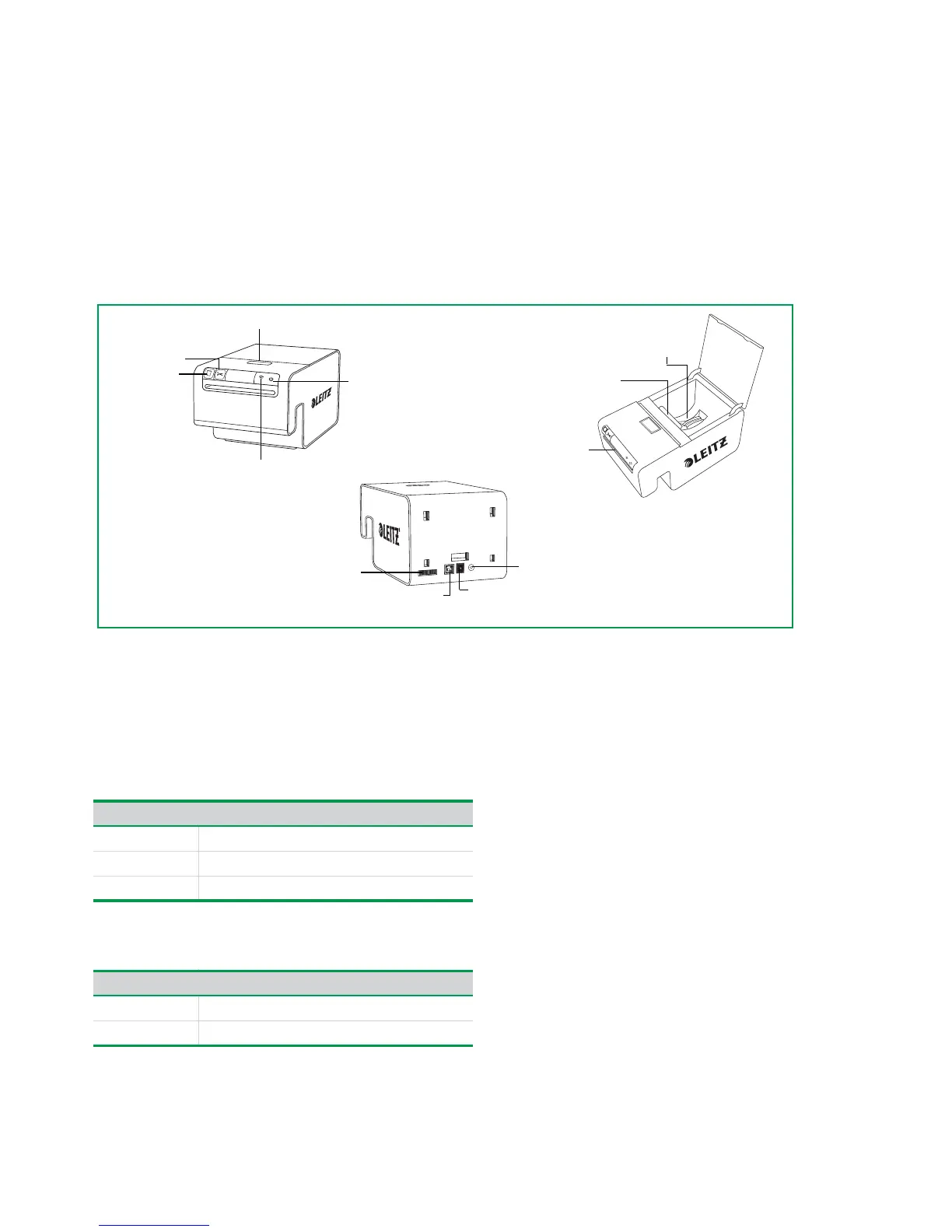
Getting to Know the Printer
Status Lights
The printer has a power status light and a wireless status light. These two lights indicate the current status of the printer.
For information about printer errors indicated through the status lights, see Printer Errors on page 21.
Power Status Light
The power status light indicates the power status of the printer.
Wireless Status Light
The wireless status light indicates the wireless connection status of the printer.
Status Light Printer Status
Solid Printer is receiving power
Dimmed Printer is in sleep mode
Off Printer is not receiving power
Status Light Printer Status
Solid Printer is connected wirelessly
Flashing WPS connection in progress


 To Next Page