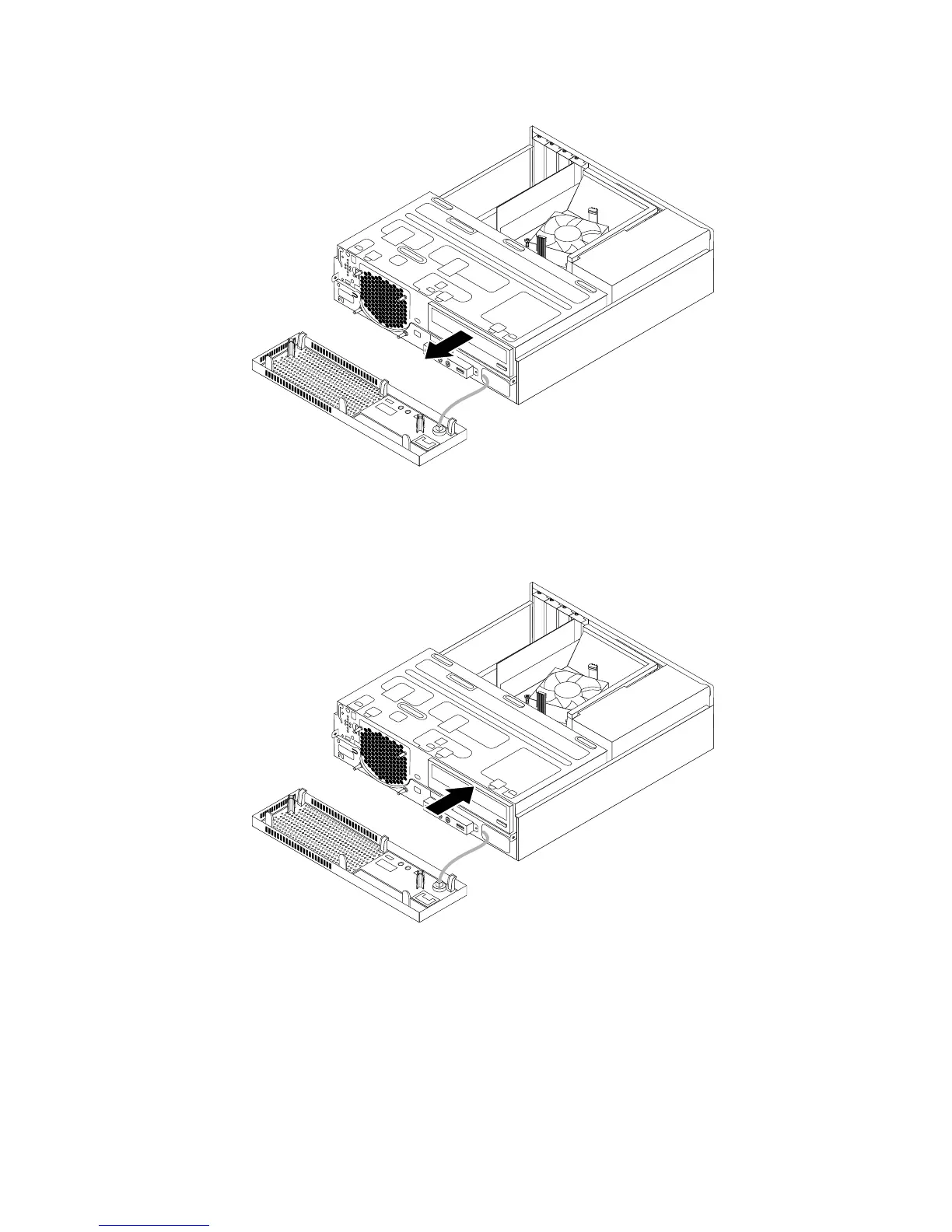
Figure26.Removingtheopticaldrive
9.Slidethenewopticaldriveintotheopticaldrivebayfromthefrontofthecomputer.
Figure27.Installinganewopticaldrive
10.Holdthenewopticaldriveandpivotthedrivebayassemblyupward.Alignthescrewholesinthenew
opticaldrivewiththecorrespondingholesinthedrivebay.Then,installthetwoscrewstosecure
thenewopticaldriveinplace.
50ThinkCentreE73UserGuide













 To Next Page