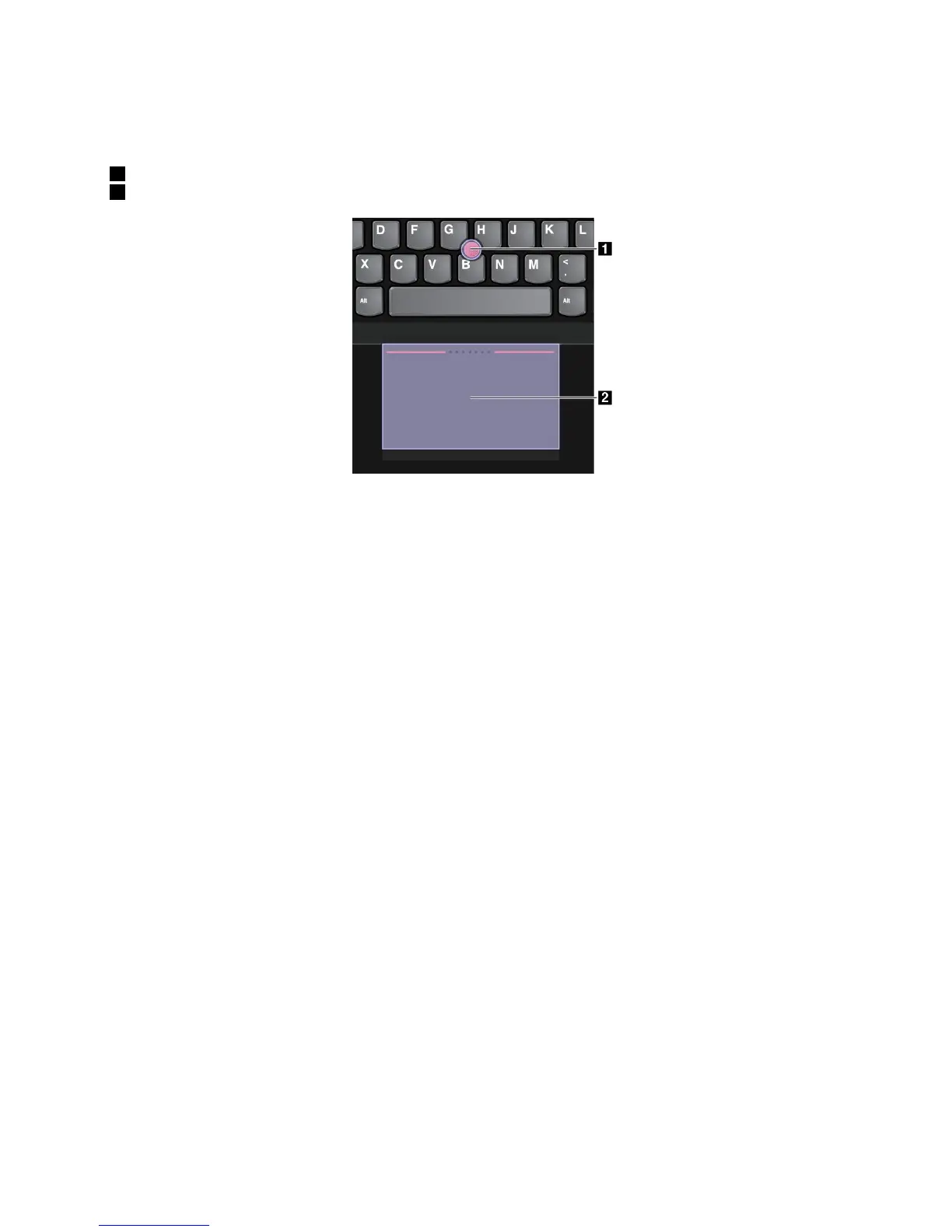
ThinkPadpointingdevicewithoutTrackPointbuttons
ThistypeofThinkPadpointingdeviceconsistsofthefollowingcomponents:
1Pointingstick
2Trackpad
Dependingonyourpreference,youcanusethepointingdeviceinoneofthefollowingmodes:
•TrackPointmode
•Trackpadmode
•ClassicTrackPointmode
Tochangeamodeforthepointingdevice,see“CustomizingtheThinkPadpointingdevice”onpage26.
Note:Bydefault,theTrackPointmodeandtheTrackpadmodearebothenabled.Youcanuseeither
oneofthem.
TrackPointmode
IntheTrackPointmode,usethepointingsticktomovethepointer,andusethetrackpadtoperformother
actionssuchasleft-click,right-click,andscroll.
Youalsocanusethetrackpadtoperformavarietyoftouchgestures.Forinformationaboutusingtouch
gestures,see“Trackpadtouchgestures”onpage25.
Chapter2.Usingyourcomputer23











 To Next Page