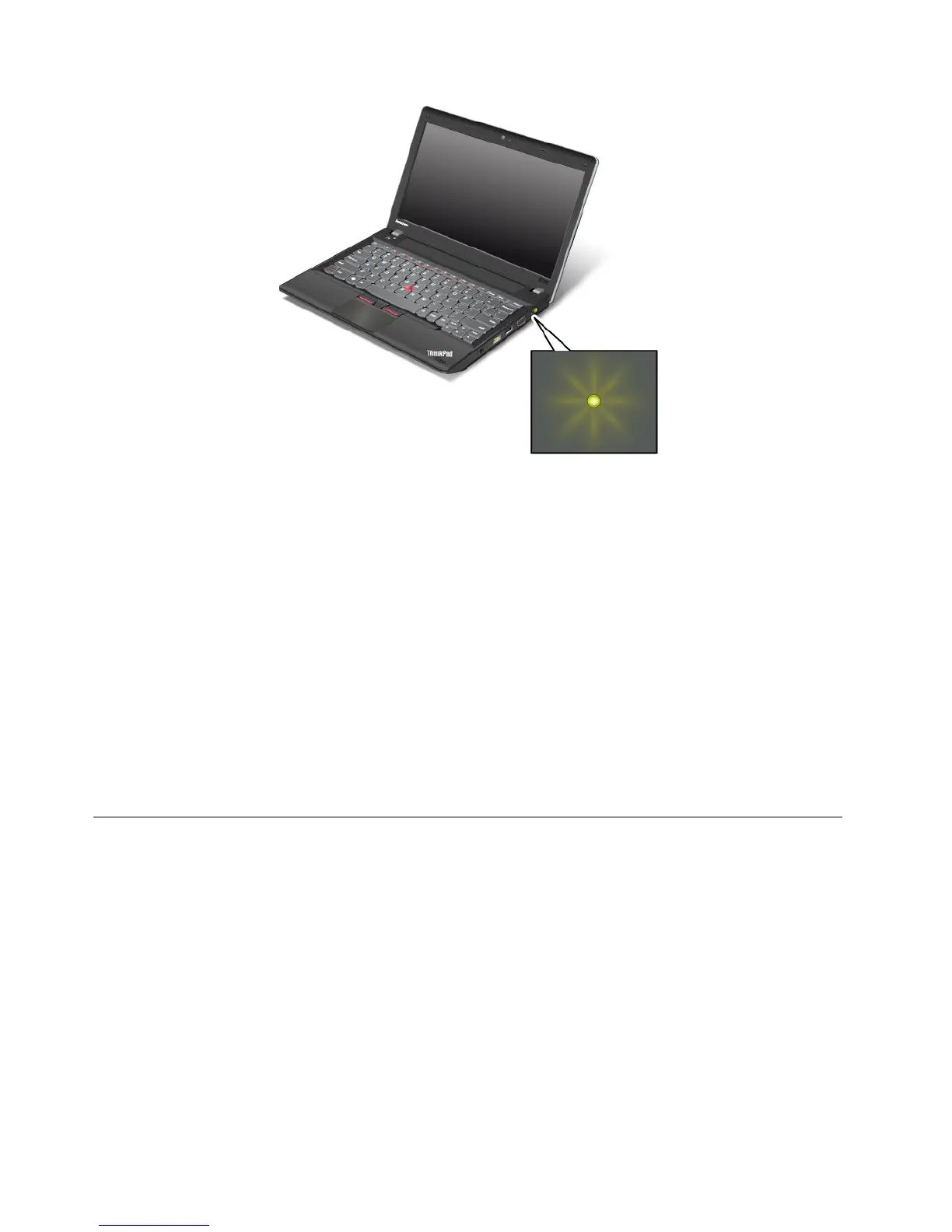
Note:Yourcomputerkeyboardmightlookdifferentfromtheillustrationabove.
Themeaningoftheindicatorisasfollows:
•Green:Theacpoweradapterisconnected.
•Off:Theacpoweradapterisnotconnected.
Indicatorsonthescreen
CapsLockindicator
PresstheCapsLockkeytoenabletheCapsLockmodetotypeallalphabeticcharacters(A-Z)inuppercase
directly.
Wirelessstatusindicator
PressF9toenableordisablethewirelessfeatures.Youcanquicklychangethepowerstateofeachfeature
inthelist.Forinformationonthewirelessfeatures,referto“Wirelessconnections”onpage29
.
Locatingimportantproductinformation
Thissectionprovidesinformationtohelpyoulocateyourmachinetypeandmodellabel,FCCIDandIC
Certicationlabel,andtheMicrosoft
®
CerticateofAuthenticity(COA)label.
Machinetypeandmodellabel
Themachinetypeandmodellabelidentiesyourcomputer.WhenyoucontactLenovoforhelp,themachine
typeandmodelinformationhelpssupporttechnicianstoidentifyyourcomputerandprovidefasterservice.
8UserGuide










 To Next Page