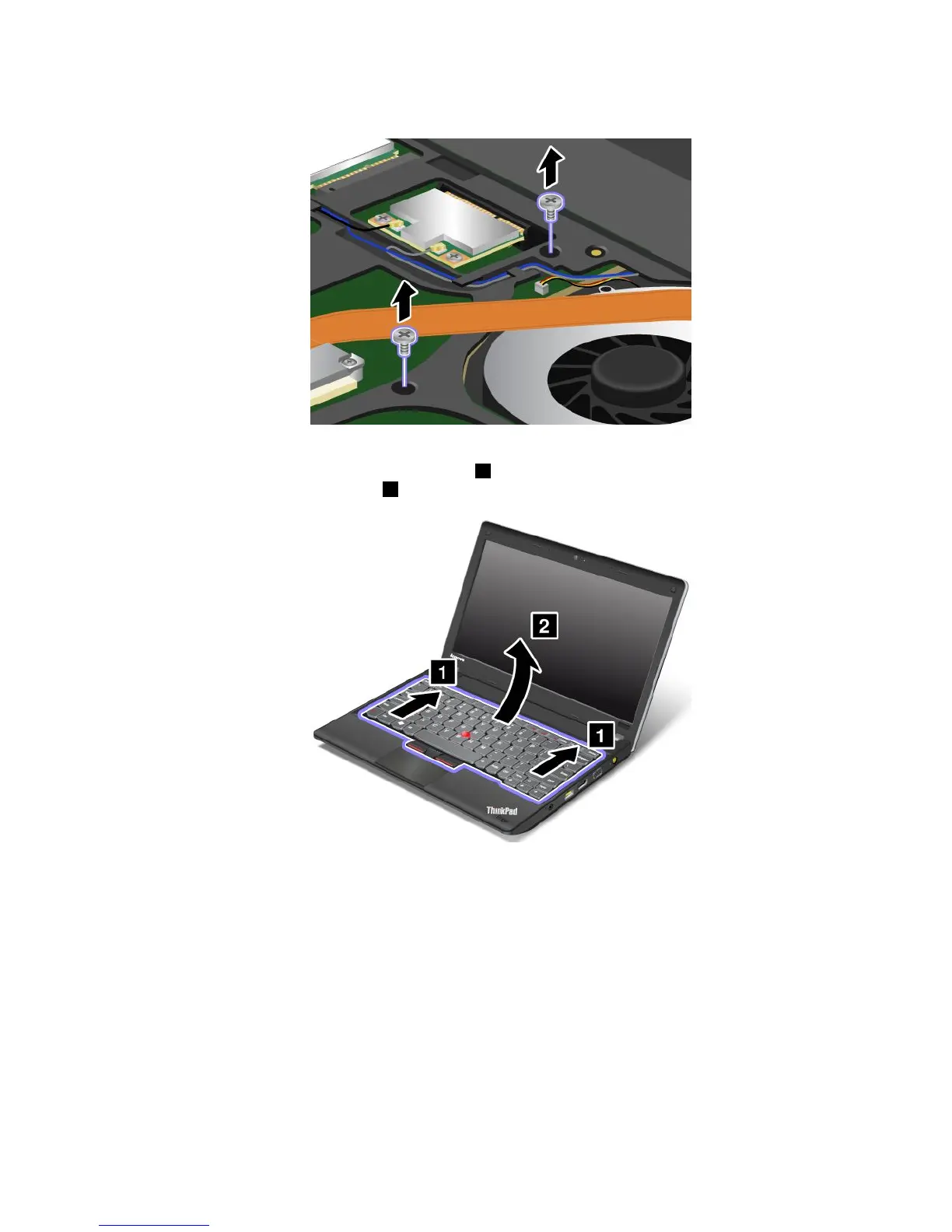
5.Removethescrewsthatsecurethekeyboard.
6.Turnthecomputeroverandopenthedisplay.
7.Pushhardinthedirectionshownbythearrows1tounlatchthefrontsideofthekeyboard.The
keyboardwillbedetachedslightly
2.
Note:Yourcomputerkeyboardmightlookdifferentfromtheillustrationabove.
Chapter6.Replacingdevices73










 To Next Page