3. Hard Drive Installation
After you open the case, you should check whether there are obvious signs of damage
and if the data line with front panel, power supply and the connection to the
motherboard is loose.
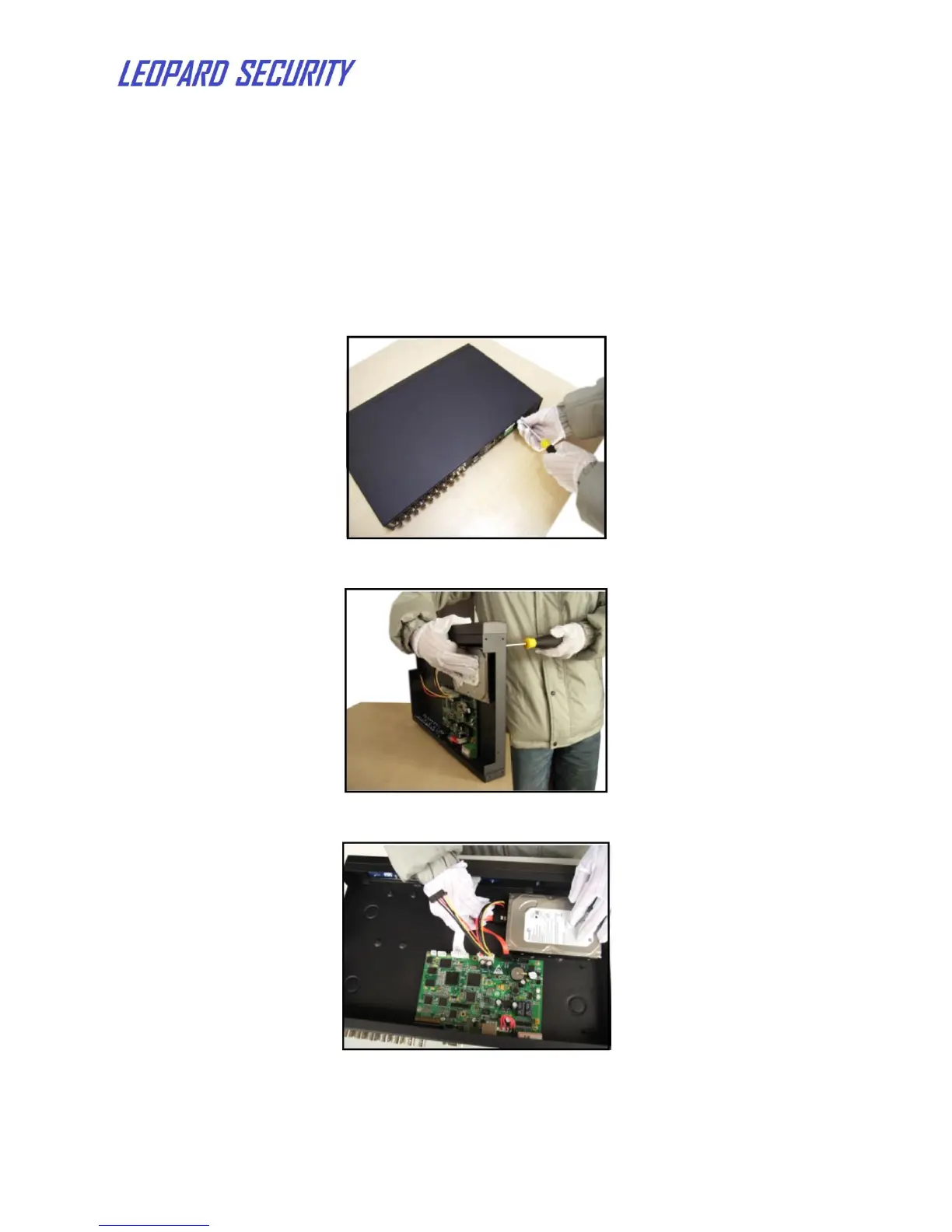
For initial use, please install the hard drive. Two hard drives can be installed in the
case.
1) Dismantle the screws of the case
2) Install the screws to fix HDD
3) Connect the data line and power line of HDD
4) If the hard drive is used at the first time, please format the hard drive in Main
MenuAdvancedHDD Management.


 To Next Page