2. Product Views
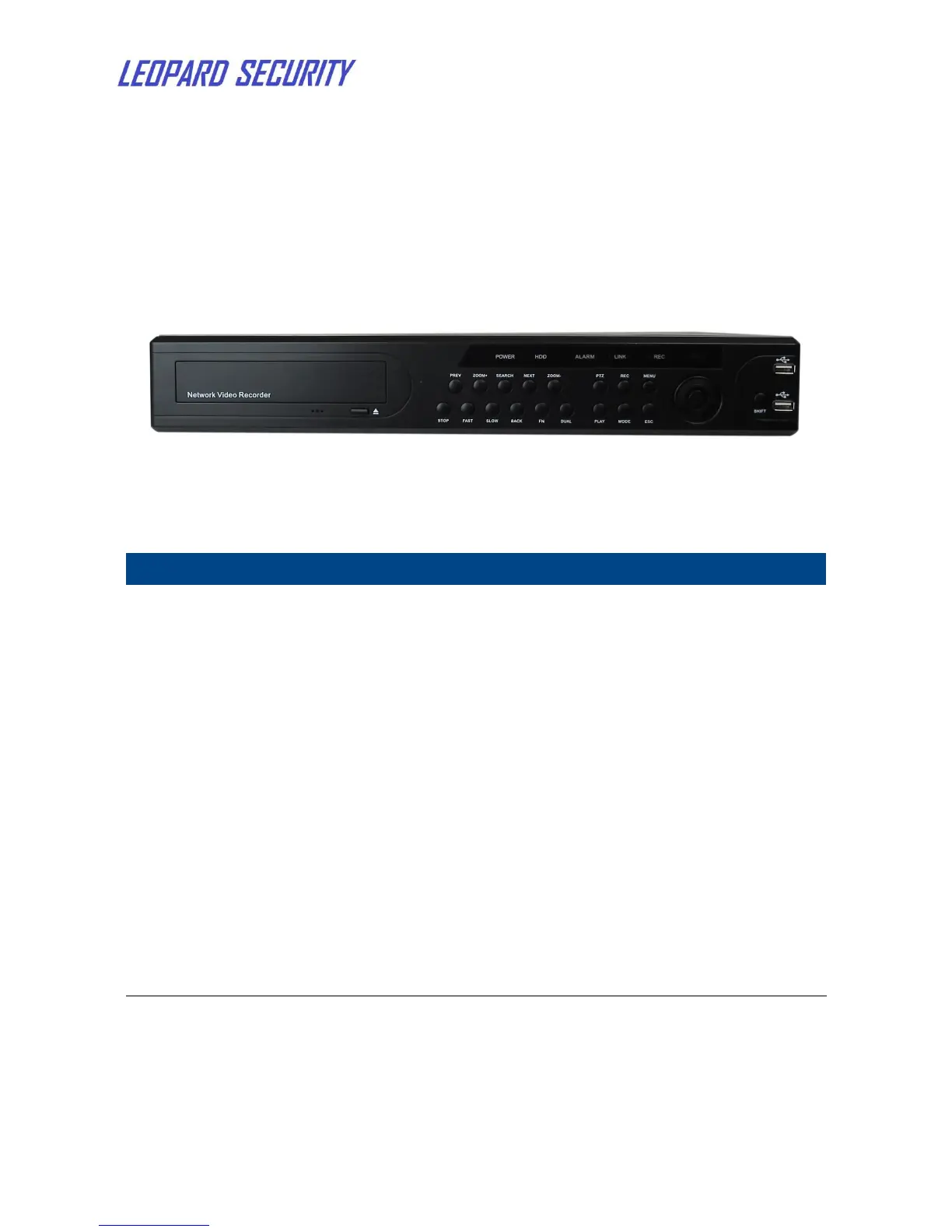
2.1 Front panel
Figure 1: NVR front panel
In PTZ mode, press to zoom in image
In PTZ mode, press to zoom out image
Press to open Playback interface
Press to stop the playback
Press to speed up the playback
Press to slow down the playback
Press to open Right-click menu
Press to open PTZ control interface
Press to open Record Mode window
Press to open the main menu or confirm
Press to open Playback interface or play/stop the playback
Press to switch video mode
Press to back to last step


 To Next Page