seeking from 192.168.0.2, to 192.168.0.254. If any of the address inside this range is free, the Network
Video server will be assigned to this IP address, and its subnet mask would be 255.255.255.0.
Link to IE:After searching Network Cameras in network, you can click to specific Network Cameras in
search area and press Link to IE to use IP cameras with Microsoft web browses.
Setup
Choose a network camera, click on Setup
to change the configurations. You
have to key in the username and password of the administrator to enter the setup page.
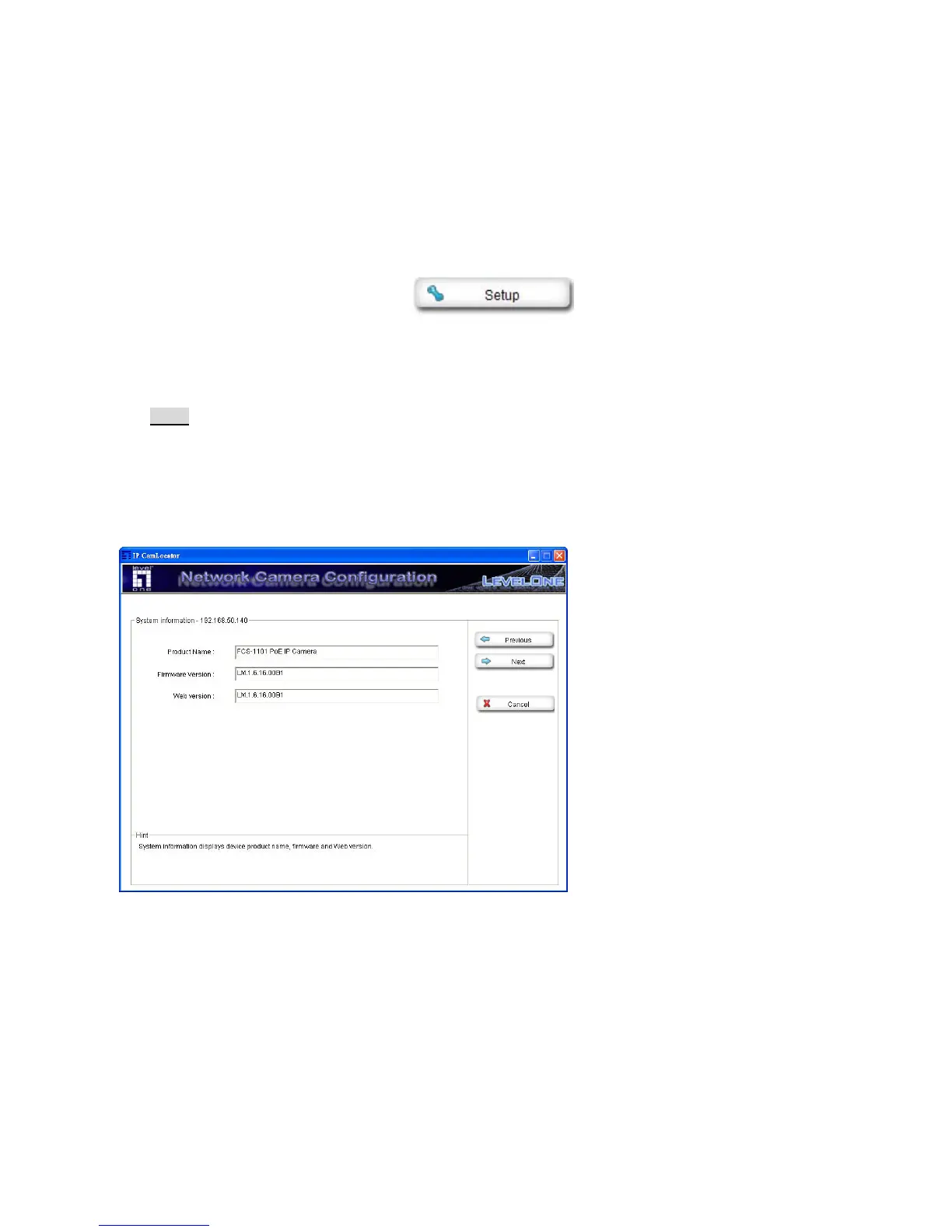
The following screen will display:
Note:
For IP cameras not in local network area (which appears in red in the search screen), you can still use
setup to change the configurations of these cameras.
System Information: The system information is displayed.
Press “Next” to continue, “Previous” to go back, “Cancel” to go to the main page.















 To Next Page