Basic Setting
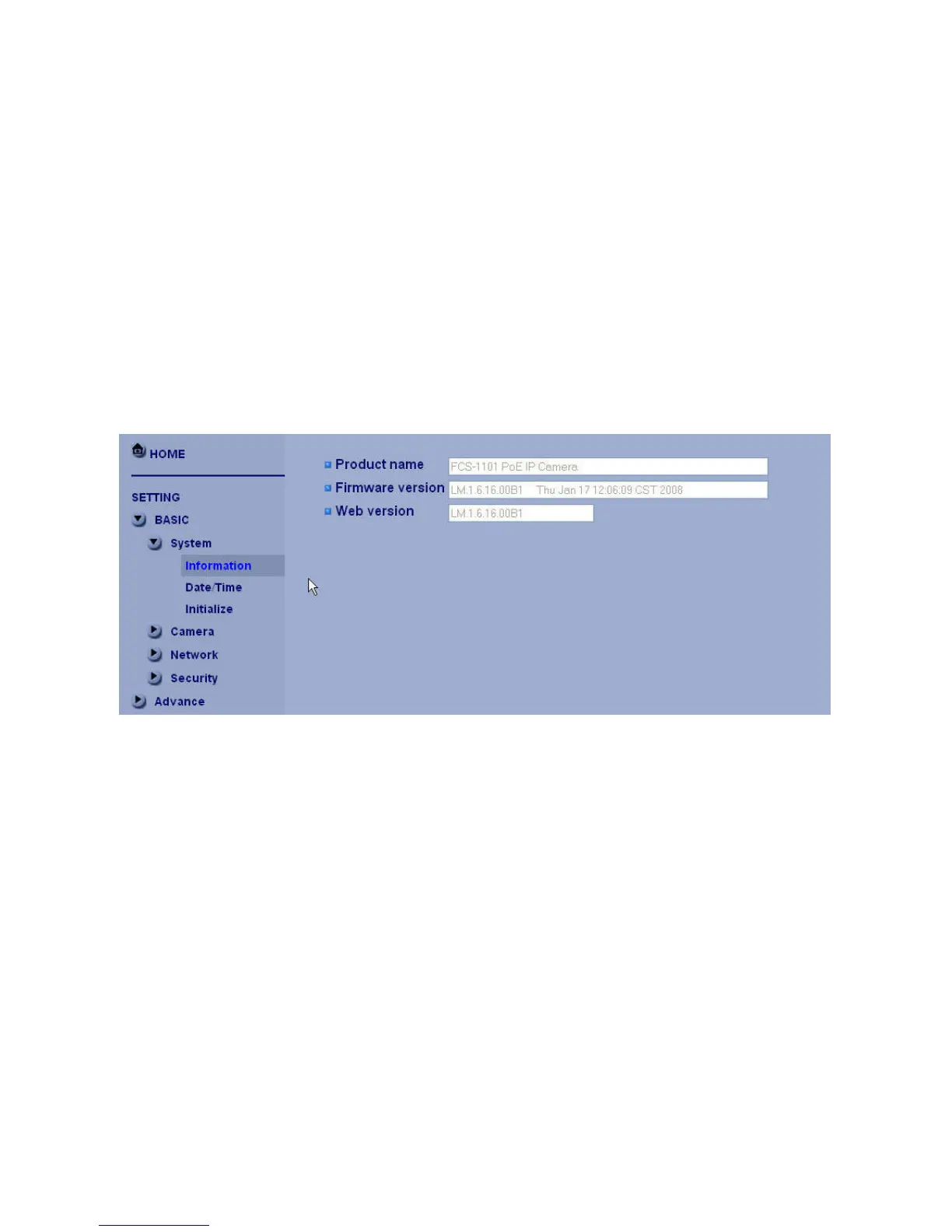
Click the “Basic” folder to display the sub folders, including System, Camera, Network, and
Account.
System
Information
The Information page provides you with product factory information, including Product name, Firmware
version, and Web version.















 To Next Page