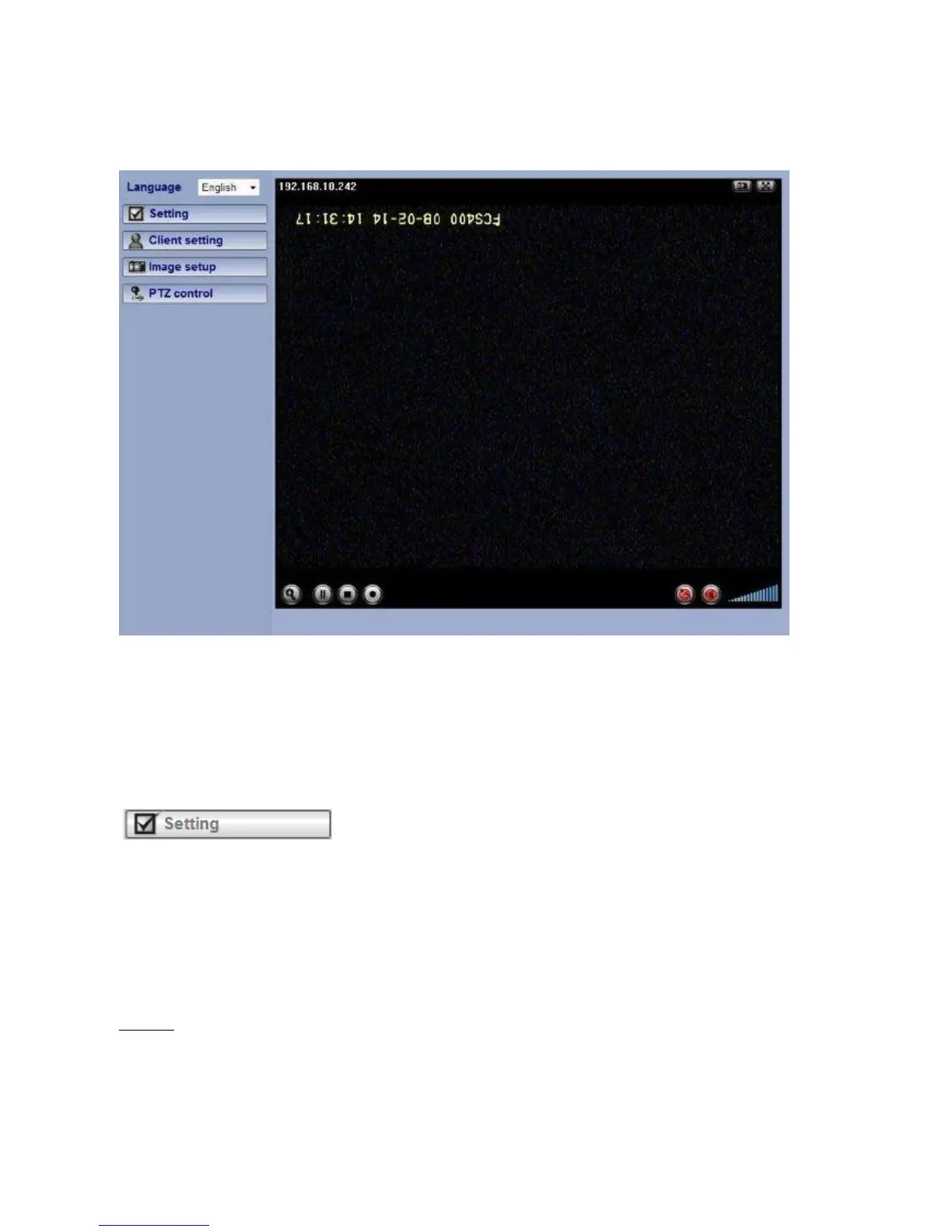
Configuration of Main Console
Language
You can click the pulldown box to select system language, including English, Traditional
Chinese, German, Danish, Greek and Korean.
Setting
This function is only for the Administrator. Click this button to get into the Basic and Advance
settings menu.
Client Setting
Mode: Click the pulldown box to choose between MPEG4 and MJPEG video compression
mode.
Note
:
MJPEG streaming is unavailable if RTSP mode is ON.
View Size: Select the desired display image resolution to 640X480 or 320X240.
Protocol: Select the transferring protocol from TCP, UDP, HTTP and Multicast.















 To Next Page