Upgrade
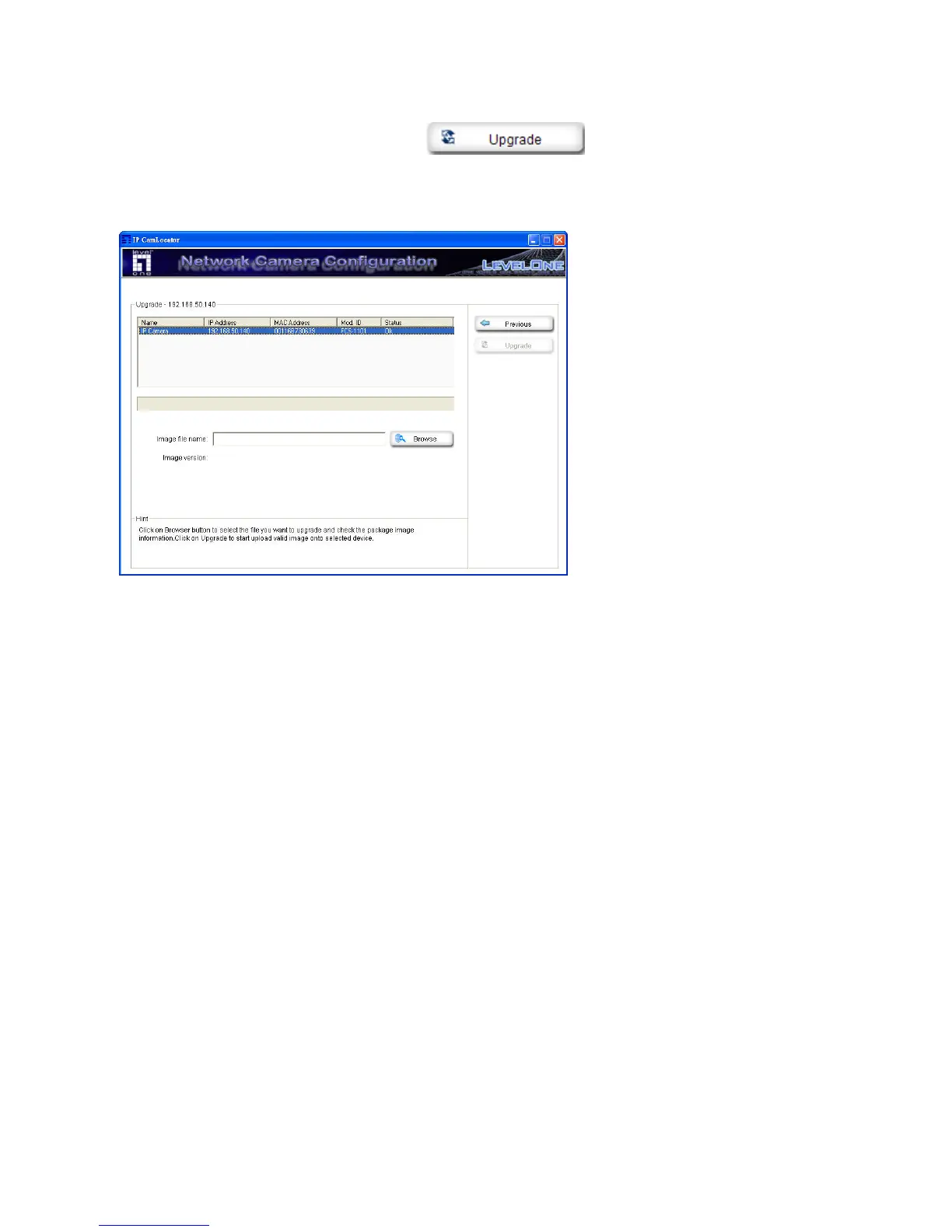
Choose a network camera, click on Upgrade
to upgrade the firmware. You have to
key in the username and password of the administrator to enter the upgrade page.
The following screen will display:
Choose the firmware image file you want to upgrade and press “Upgrade” to start. The device will
automatically reboot after upgrade.















 To Next Page