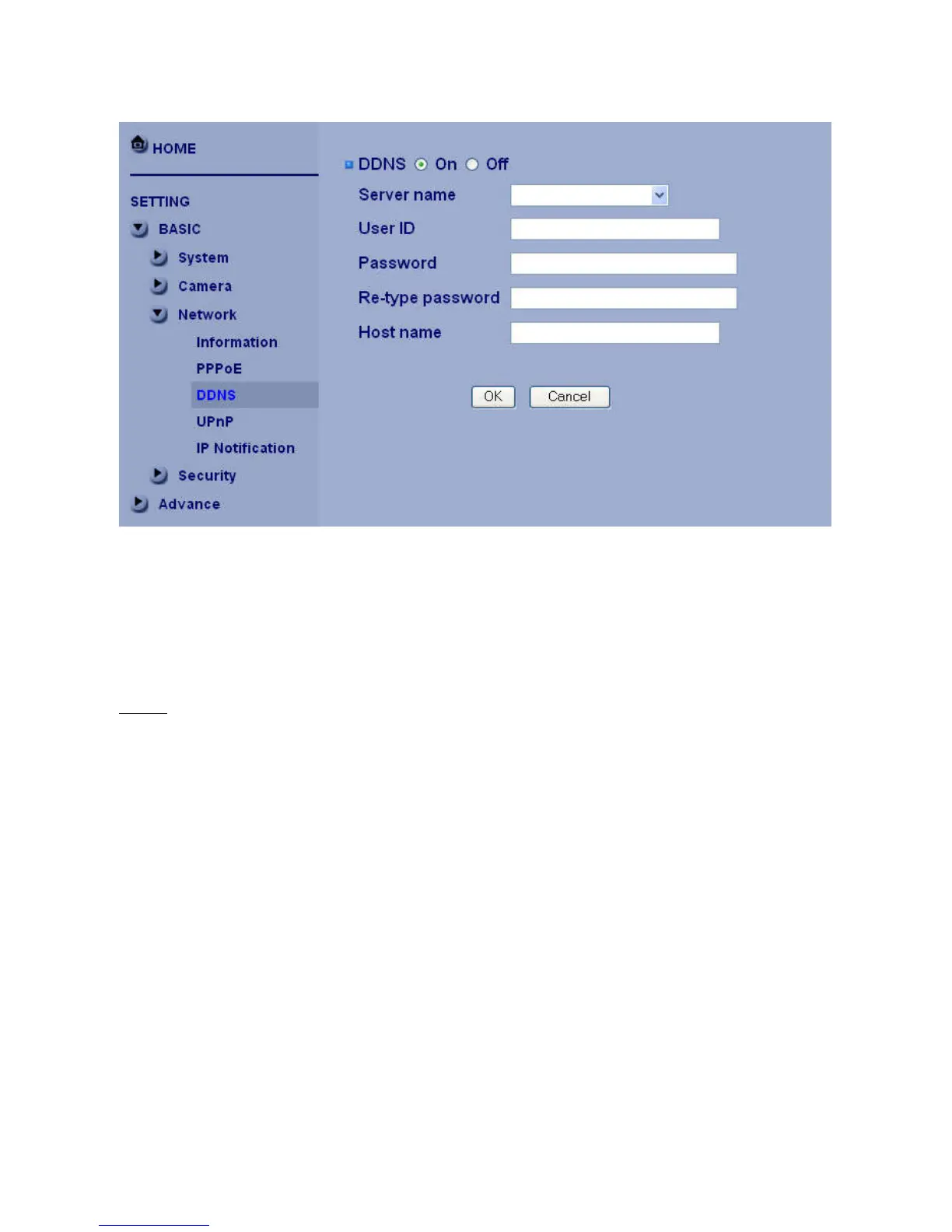
DDNS
Server name:Choose the DDNS Server from the list.
User ID:Enter the user ID for authentication necessary for DDNS connections. Type it up to 64 characters.
Password:Enter the password for authentication necessary for DDNS connections. Type it up to 32
characters.
Re-type password:Re-type the password to confirm.
Host name:Enter the host name that is registered to the DDNS server.
Note
:
• When you want to use DDNS function, you need to register an account in DDNS server first.















 To Next Page