24Fast /2 Gigabit Ethernet combo Web Smart Switch
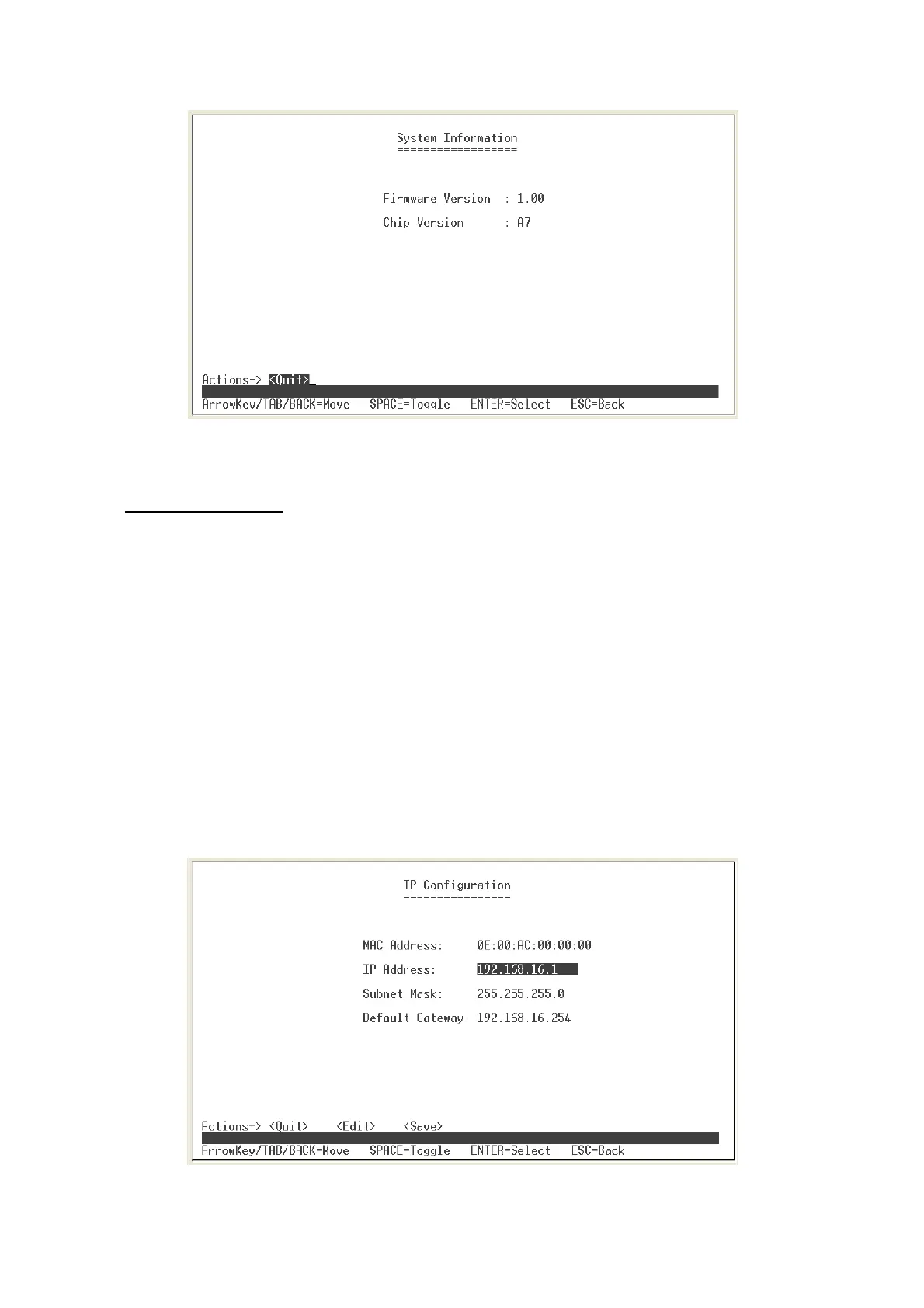
System Information interface
IP Configuration
User can configure the IP setting for this switch. The system has the default IP setting.
You can re-configure or use the default value.
1. Select the
<Edit>
2.
MAC Address:
manufacture unique hardware address. It is set at factory and
unchangeable.
3.
IP Address:
assign the switch IP address. The default IP is 192.168.16.1.
4.
Subnet Mask:
assign the switch IP subnet mask.
5.
Gateway:
assign the switch gateway. The default value is 192.168.16.254.
6. Select
<Save>
action to save the configuration.
IP Configuration interface
29















 To Next Page