24Fast /2 Gigabit Ethernet combo Web Smart Switch
The Web management only allows
one person
to login in same time. Only when the
first person has logout the web management, the second person can login. If the first
login person forgot to logout and direct close web management window, the next
person must wait until the web auto logout time out. Then, the next person can login
web management to configure the switch.
System Login
1. Launch the Internet Explorer.
2. Type http:// and the IP address of GSW-2472TGX. Then, press “
Enter
”.
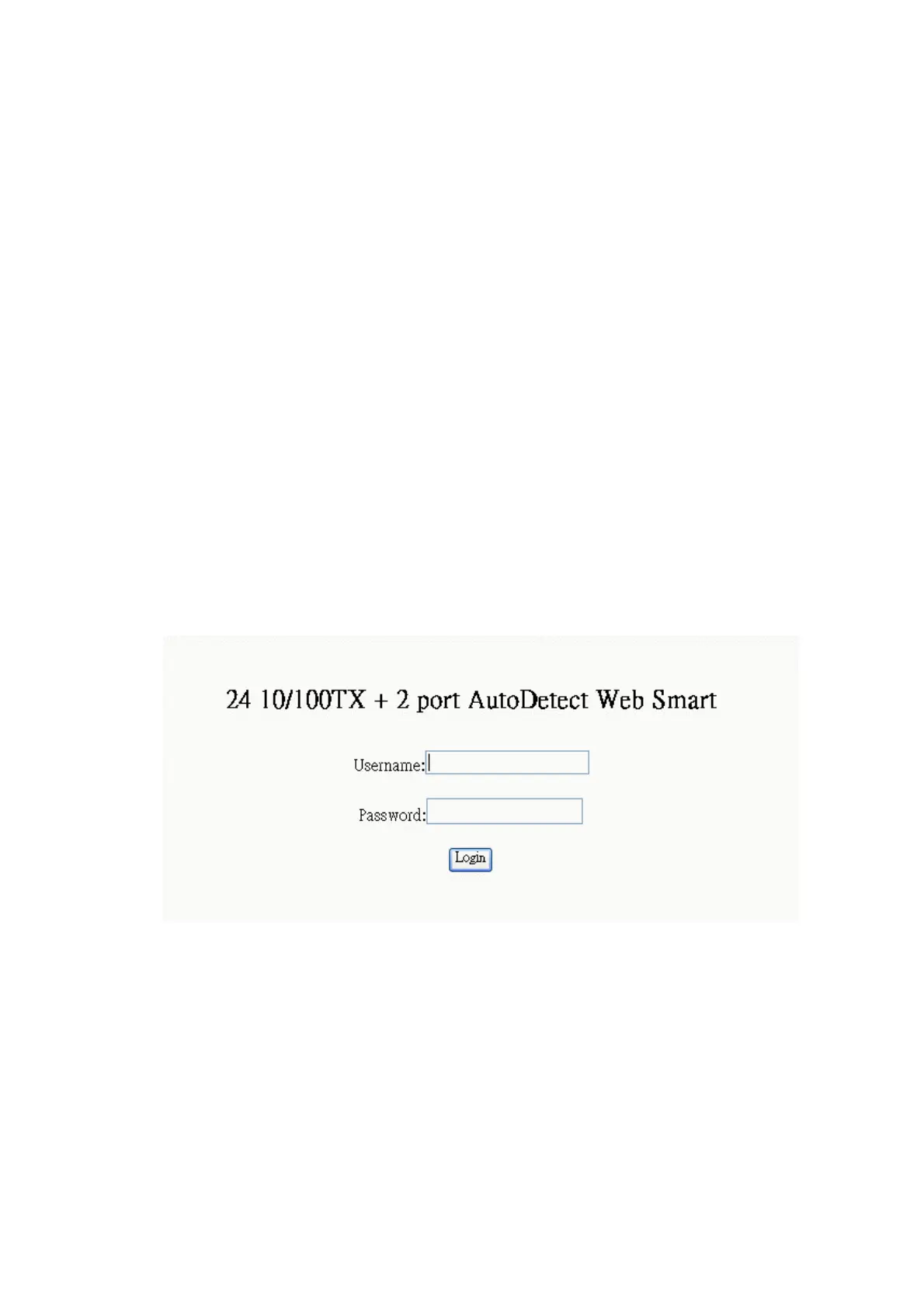
3. The login screen appears.
4. Key in the user name and password. The default user name and password is
“
root
”.
5. Click “
login
””, then the home screen of the Web-based management appears.
GSW-2472TGX
Port status
In Port status, you can view each port status that depended on user setting and the
negotiation result. The port 25 and 26 represent the auto detect gigabit port status. The
port 25 and 26 port status display will depend on the connection detect to be different.
31











 To Next Page