24Fast /2 Gigabit Ethernet combo Web Smart Switch
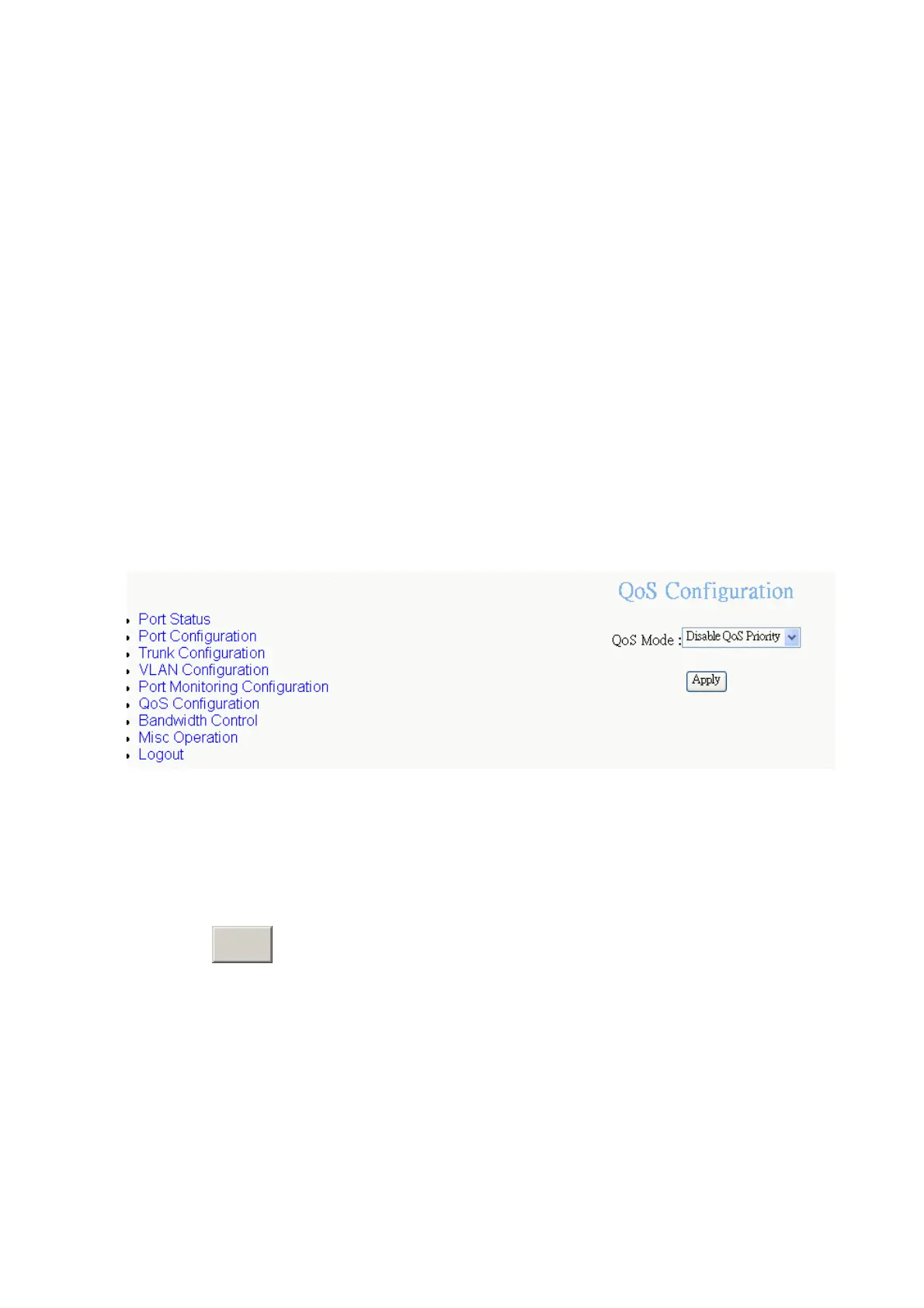
QoS Configuration
You can configure port priority level to high or low queue.
1.
Qos Mode:
select the Qos mode for process incoming packets.
Disable QoS Priority:
no QoS priority function.
All High before Low:
the system will process all high priority packet, and
then low priority packet.
High: Low = 3: 1:
the system will process 3 high priority packet, and then 1
low priority packet.
High: Low = 5: 1:
the system will process 5 high priority packet, and then 1
low priority packet.
High: Low = 7: 1:
the system will process 7 high priority packet, and then 1
low priority packet.
QoS Configuration—select QoS mode interface
2.
Static Port Ingress Priority:
select each port of ingress priority –
Low
or
High
.
3.
802.1p Priority [7-0]:
Drag down the list to select the priority level mapping to
high or low queue.
4. Click
A
button.
pply
41















 To Next Page