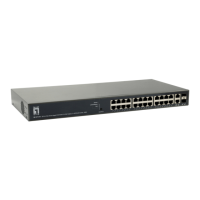
24Fast /2 Gigabit Ethernet combo Web Smart Switch
RX:
RX packet only
TX:
TX packet only
Both:
RX and TX packet
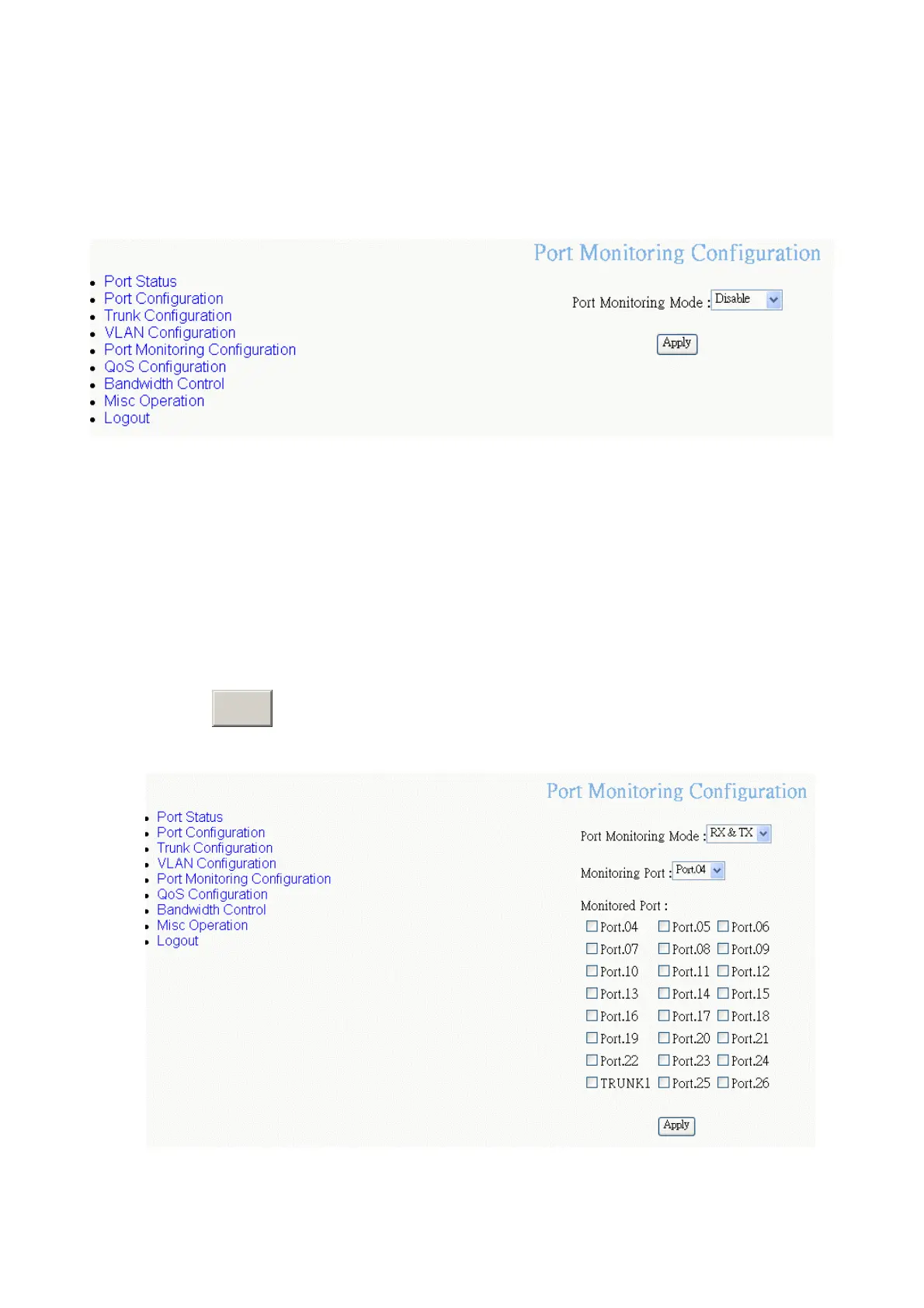
Port Mirroring interface
2.
Monitoring port:
Set the destination port of monitoring packet. All of the packets
of monitored port will be duplicated and sent to Monitoring port.
3.
Monitored Port:
check the check box of port to select the monitored port. If you
have created the Trunk group, and then every port in Trunk group will be
monitored when you mark the Trunk group as the monitored port. Also,
cross-VLAN monitoring doesn’t support in here.
4. Click
A
button.
pply
Port Monitoring interface
40








 To Next Page