24Fast /2 Gigabit Ethernet combo Web Smart Switch
copper connection if you have connected device with it. Otherwise, the switch will not
detect the Mini GBIC that you have installed. While you using giga copper port or Mini
GBIC port, only one of them will work, ex: when giga copper port is connecting, then
Mini GBIC is disabling.
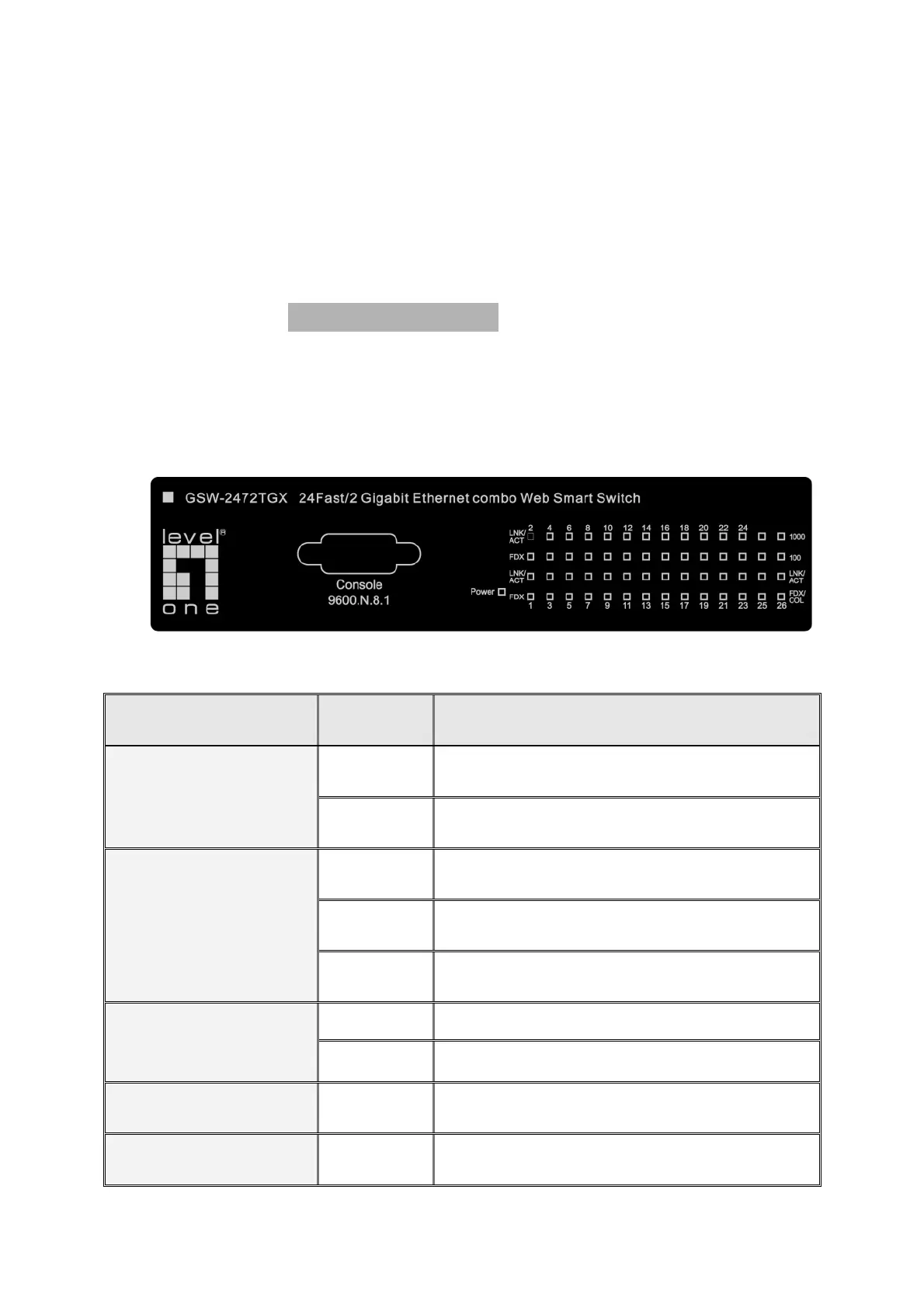
LED Indicators
The LED Indicators gives real-time information of systematic operation status. The
following table provides descriptions of LED status and their meaning.
Figure 2-2. LED indicators
LED
Status Description
Green Power On
Power
Off Power is not connected
Green The port is connecting with the device.
Blink The port is receiving or transmitting data.
LNK/ACT
Off No device attached.
Orange The port is operating in Full-duplex mode.
FDX
Off In half-duplex mode
1000(Giga port) Green In 1000Mbps connection speed
100(Giga port) Orange In 100Mbps connection speed
6















 To Next Page