8.2 How to setup wireless function?
1. How can I use the wireless function?
A: Generally speaking, there are four modes to setup in this device. The
most common function is “AP mode”. The user can make this device as
a wireless AP device as follows.
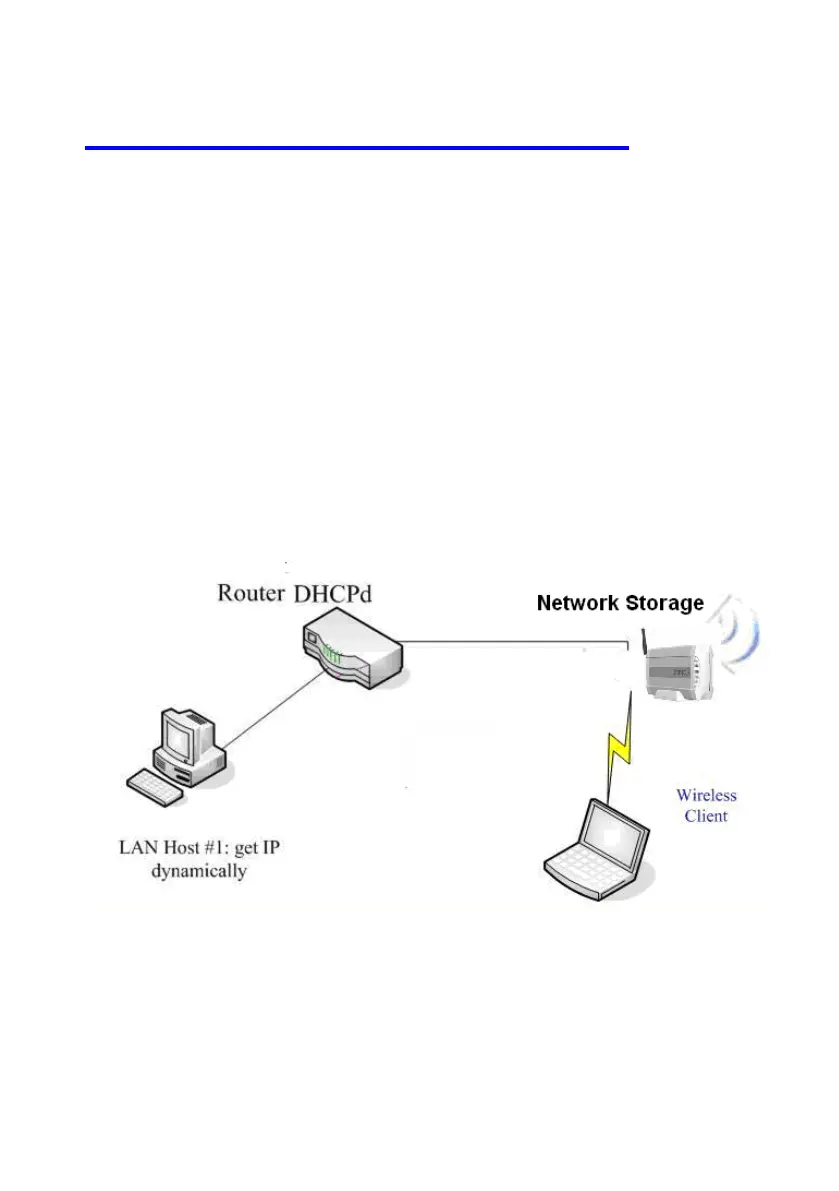
AP mode:
First, the wireless client sets up the same SSID with Network Storage
and get IP address from another gateway router. Then the wireless client
can associate the network or roam Internet via Network Storage.















 To Next Page