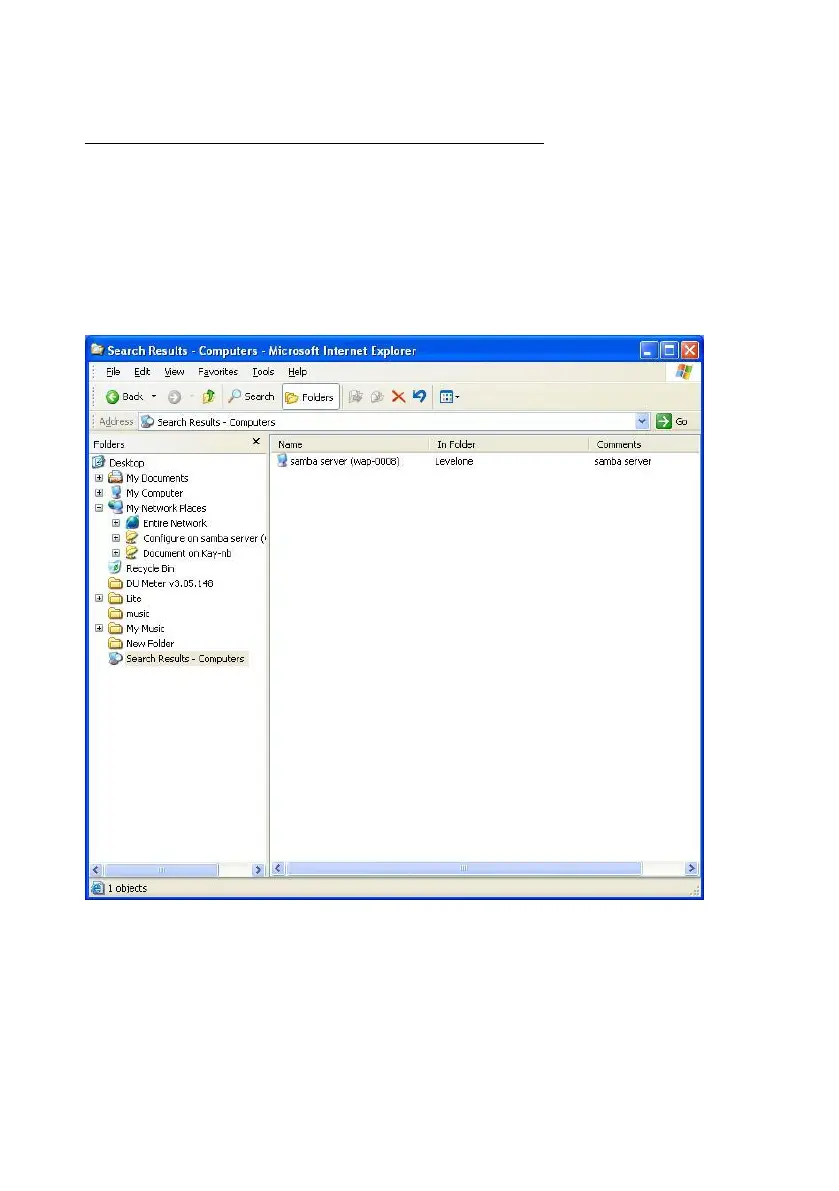
2.3.3 Search the “Entire Network” Manually
Open Windows Explorer, and then click the My Network Places icon.
Double click the Entire Network to view the components of the network.
Select and click the Microsoft Windows Network icon, then the various
network components showed in the list. The default workgroup of Network
Storage is LevelOne.















 To Next Page