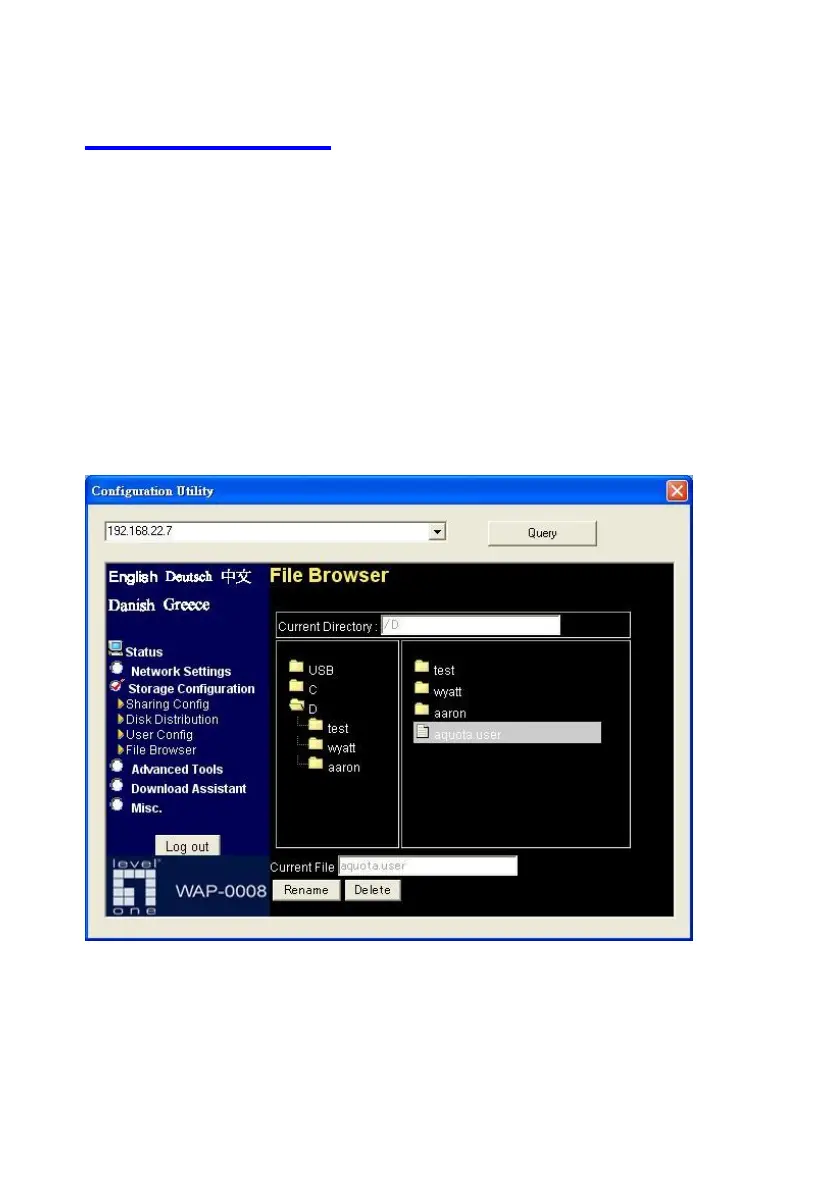
4.4 File Browser
The Network Storage provides a file browser to let users rename and delete
folders/files easily. Especially when users can not rename or delete
folder/file via FTP or Microsoft My Network Places successfully. For an
example, users may download an “unrecognized” file, such as $#@*2$.avi
from Internet, and they can’t change the file name via My Network Places or
FTP. In this case, users can correct the file name with this file browser.
Step 1: Select a folder/file that you want to change name or delete.
Step 2: Press the “Delete” button if you want to delete that file.















 To Next Page