8.3 How to map network drive in Windows?
Mapping a network drive to a virtual drive in your computer can help you
access that drive easily. After finishing mapping, the virtual drive will appear
when you launch My Computer in Windows.
Step 1: Search Network Storage in Windows My Network Places. The
default host name of Network Storage is WAP-0008.
Step 2: After find the Network Storage, double click on the icon. Right click
on the folder which you want to map, and choose Map Network Drive.
Step 3: Select the prompt of this drive that you like. Then press Finish
button to close the dialogue window.
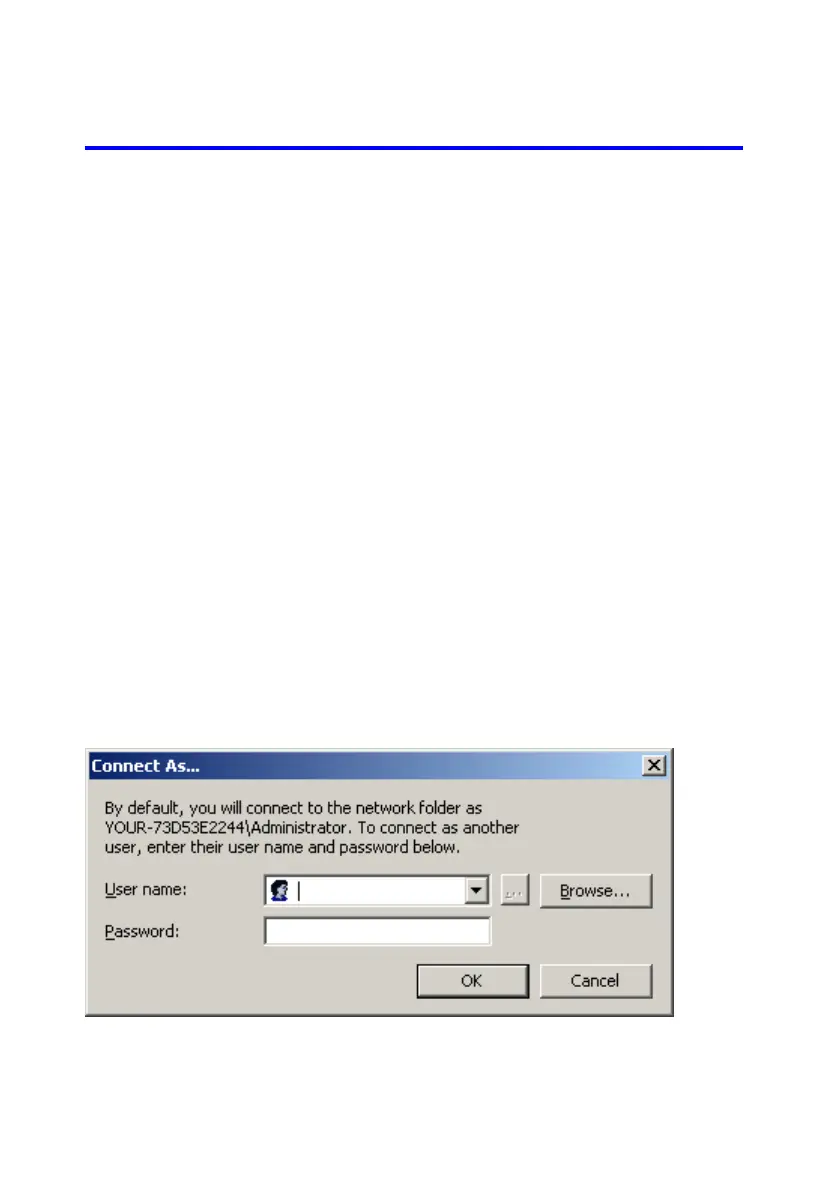
If the folder can only be accessed by authorized user, then you need to click
“Connect using a different user name”, and input authorized user name
and password.















 To Next Page