2.3 File Sharing
The Network Storage can be a shared network hard drive in an existing
wireless or wired network environment. The users in the same network area
can read or write data from the device as required. The following various
steps are for users to start using the network hard drive.
2.3.1 Accessing the Network Hard Drive via My Network Places
Select the “My Network Places” and type the address of “\\WAP-0008” and
press “Enter”. Then you will find the Storage icon.
Click the “Storage” icon, and you will find the “C” folder as below. The folder
“C” is the root directory of attached hard disk drive.
NOTE. The other folder “USB” is the root directory of attached USB drive.
2.3.2 Searching the Computers
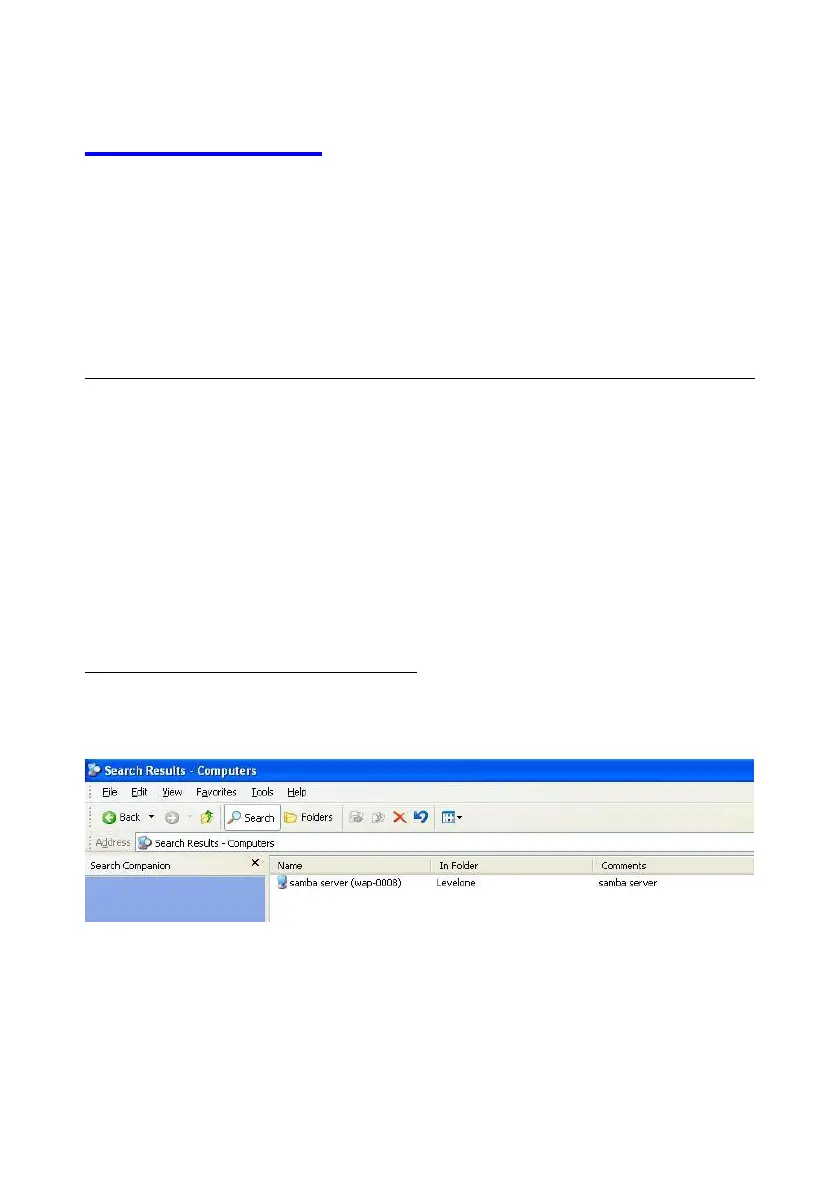
Open “My Computer” on the desktop menu, and use the “Search” function
to search the computer of “WAP-0008” as below.















 To Next Page